
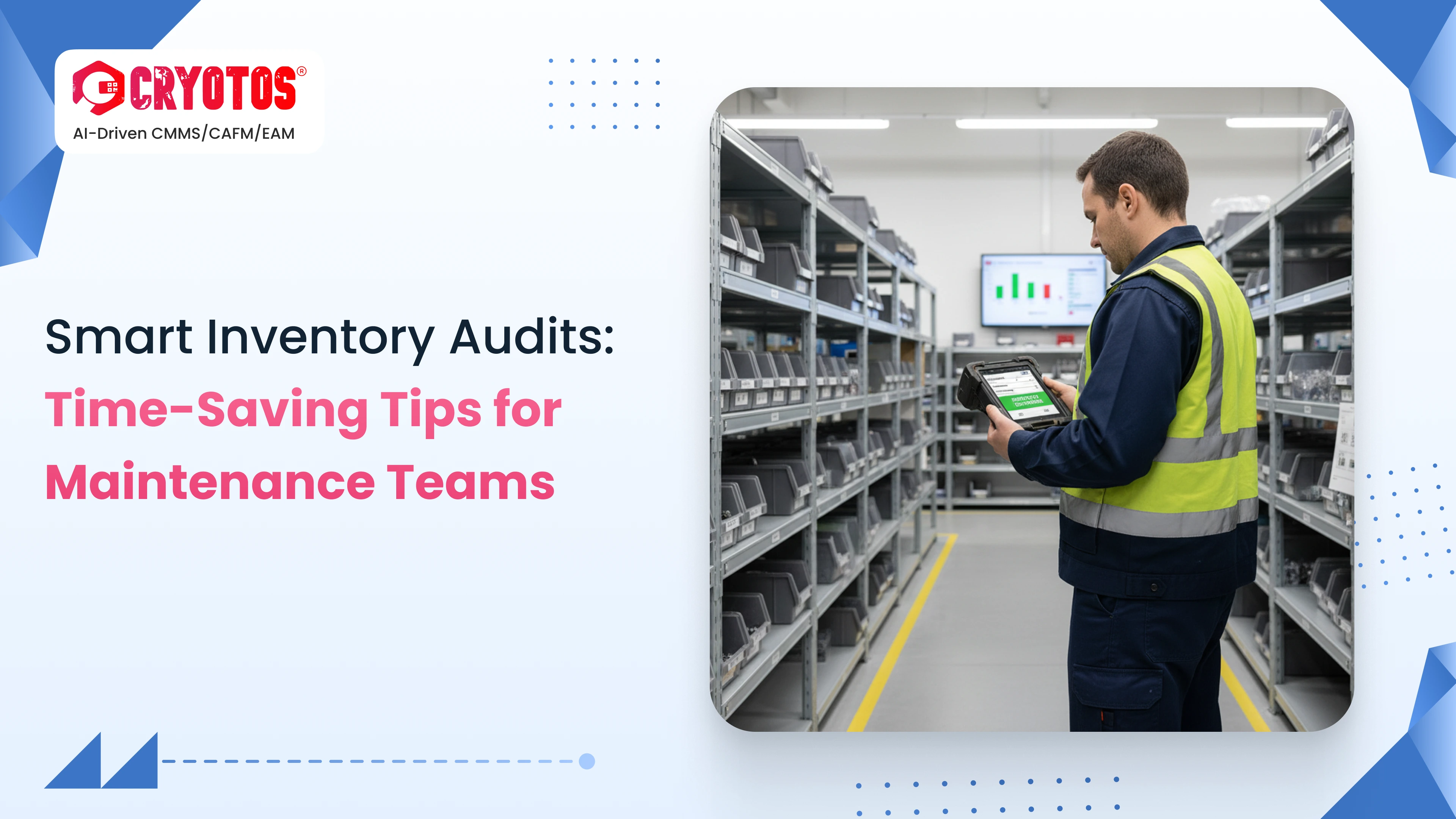
The maintenance nightmare is the annual inventory shutdown, which causes the teams to stop critical repairs to count the parts by hand and fight the phantom inventory. In cases whereby the system reports that there is some stock at hand, yet the shelf has nothing, it leads to unnecessary stress, loss of time that would have cost of the system as well as money spend on rush delivery.
The contemporary maintenance requires a change in attitude towards the annual physicals of the maintenance system to being proactive and data-driven to ensure that the maintenance system keeps the operations going without any hitch. Through intelligent scanning of the inventory, the teams will be able to switch to real-time tracking as opposed to the clipboard method to keep ensuring that the data is accurate without having to work harder.
Cryotos CMMS software of inventory helps to bridge the difference between your physical storeroom and digital files and update the stock levels in real-time. We transform disruptive audits into wash-and-dry background activities, so that your technicians use their time repairing assets, as opposed to counting washers.
A smart inventory audit is a continuous, technology-driven process that uses digital tools to verify stock levels dynamically. Unlike the traditional method, it allows you to maintain spare parts inventory control without ever shutting down operations.
Implementing this shift solves three major transactional friction points:
Here is how to deploy maintenance inventory management that works for you, not against you.
Move away from static spreadsheets. Centralize your data into a digital system where part numbers, bin locations, and initial counts are standardized.
Not all parts are created equally. Categorize your inventory to prioritize your auditing efforts:
Stop the massive annual counts. Schedule "mini audits" where small batches of inventory are counted on a weekly rotating schedule. This keeps data fresh without freezing operations.
Implement QR code inventory tracking. Apply codes to bins and individual parts to enable "scan-to-verify" workflows. This replaces unreliable manual visual checks with digital certainty.
Leverage automated work order generation rules. Make "consuming parts" a mandatory step in the repair workflow. Ensure stock is deducted automatically at the moment a work order is closed.
Even with good intentions, teams often stumble here:
To truly optimize asset lifecycle management, you need the right tools. Here is how Cryotos features solve the problems outlined above:
Hurdle 1: User Adoption Technicians might resist new devices.
Hurdle 2: Bad Data Migration Importing messy spreadsheet data into a new system.
Hurdle 3: Process Discipline Technicians bypassing the scan.
Smart audits are more than just a counting exercise; they are a strategy to reduce unplanned downtime and save your company money. By eliminating the "Inventory Nightmare," you protect your team's sanity and your bottom line.
You hired your maintenance team to fix assets, not count washers. Give them the tools to get back to work.
Ready to streamline your inventory? Book a personalized demo with Cryotos today and see how our Smart Inventory features can work for your team.




Cryotos AI predicts failures, automates work orders, and simplifies maintenance—before problems slow you down.



