








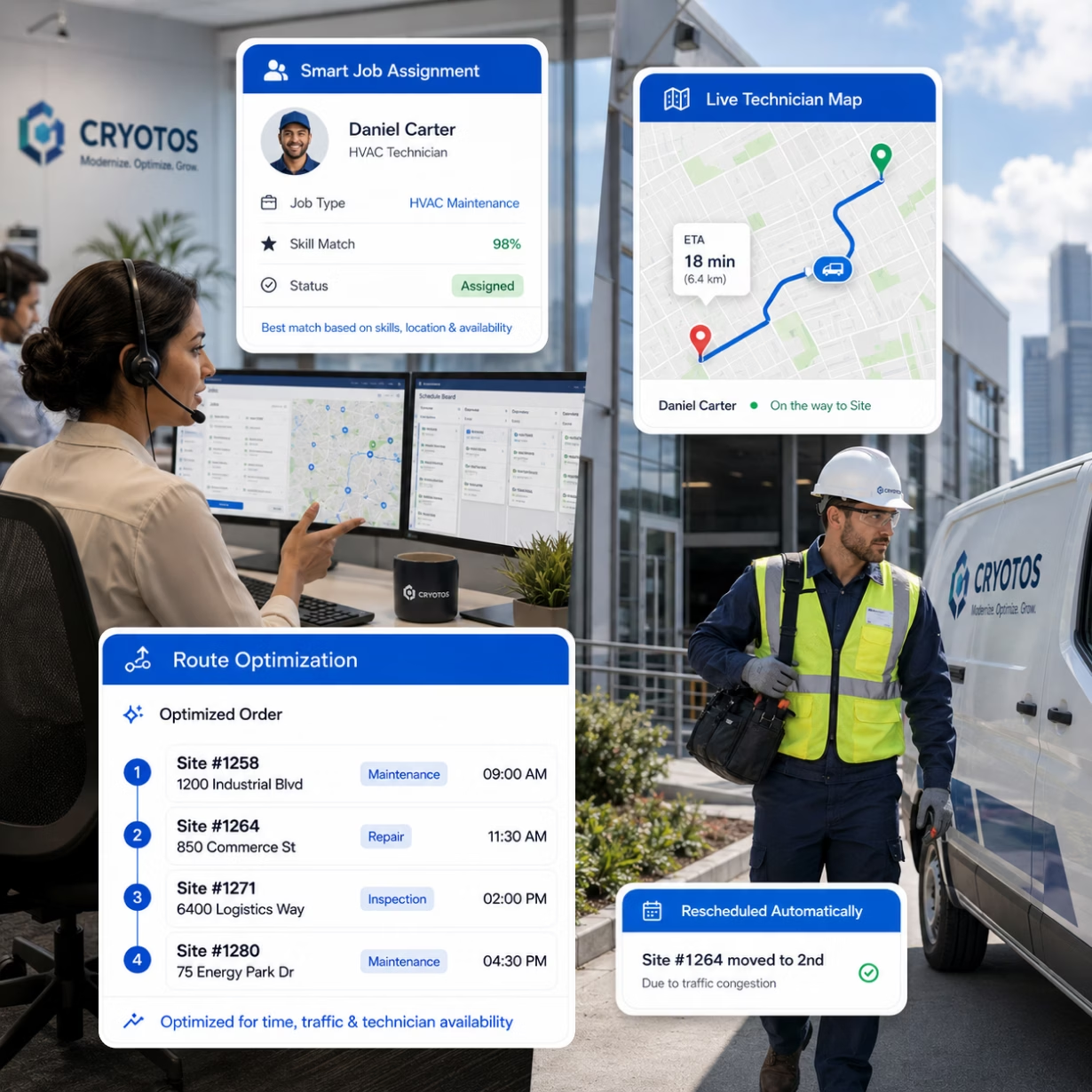
Schedule the right technician, track them live, and close every job with full documentation — from one platform. Cryotos FSM Software reduces downtime by 30%, boosts ROI by 275%, and gives field teams an AI knowledge base and permit-to-work that no competitor offers.



Dispatchers manage jobs on spreadsheets and sticky notes. Technicians get double-booked. Urgent jobs sit unassigned. Customers wait — and call to complain.

No asset history. No repair notes. No checklist. Field engineers spend the first 20 minutes on the phone with the office — or drive back to collect missing parts.

Once a technician leaves the office, visibility disappears. Managers don't know if they're on-site, delayed, or already done. SLA breaches happen before anyone notices.

Technicians begin confined space or hot work without a signed permit-to-work. Paper PTW forms get lost or skipped. One incident puts the entire operation at legal risk.
Cryotos Solves All Four - In One Platform
Cryotos matches each job to the best available technician based on skill set, location, and current workload. Dispatchers see all open jobs and all technicians on one live map. Assign, reschedule, or re-route with a single click.
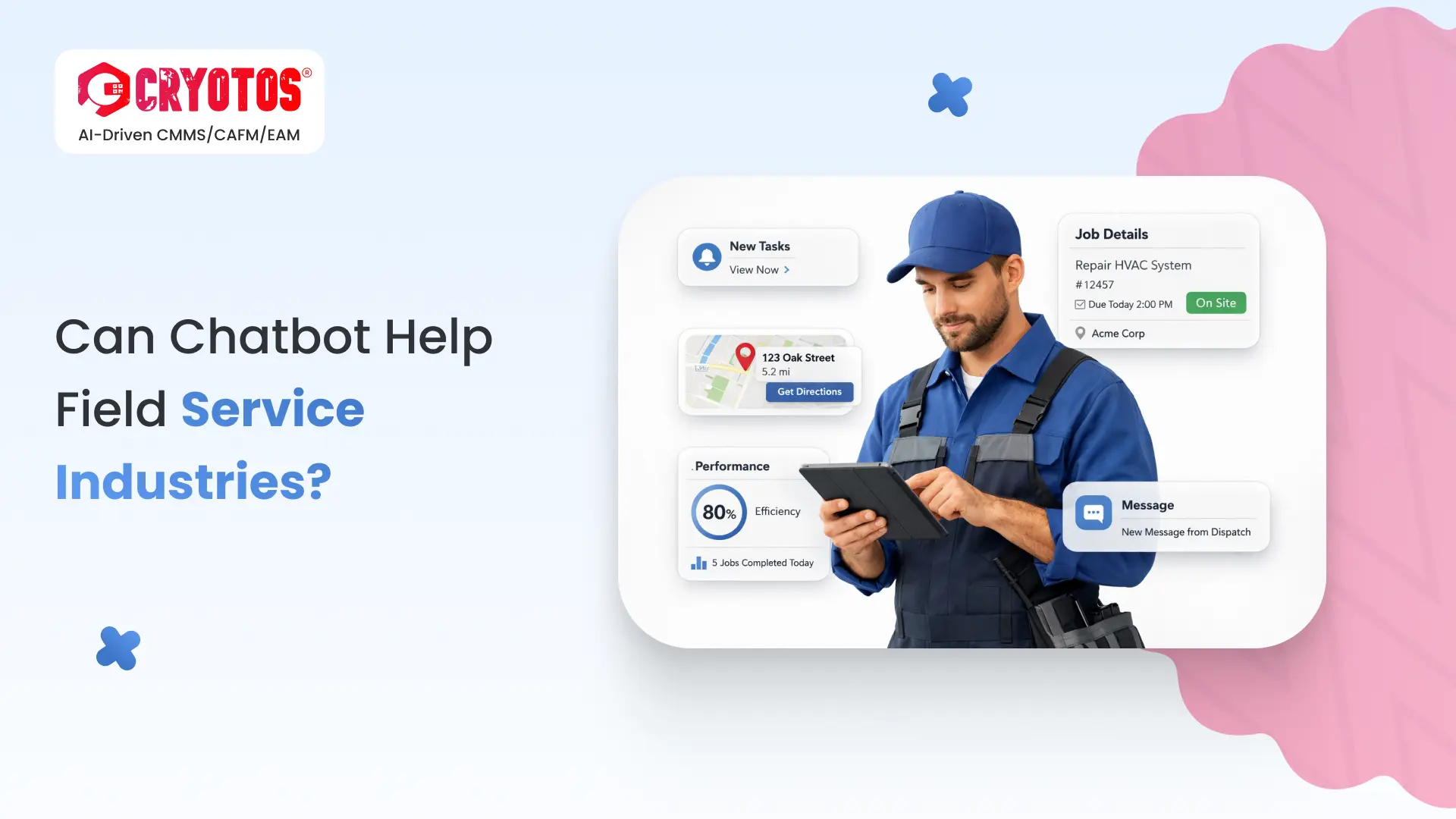
Technicians receive job details instantly on their mobile. They get GPS navigation to the site, full asset history, and any checklist they need — before they even step out the door.
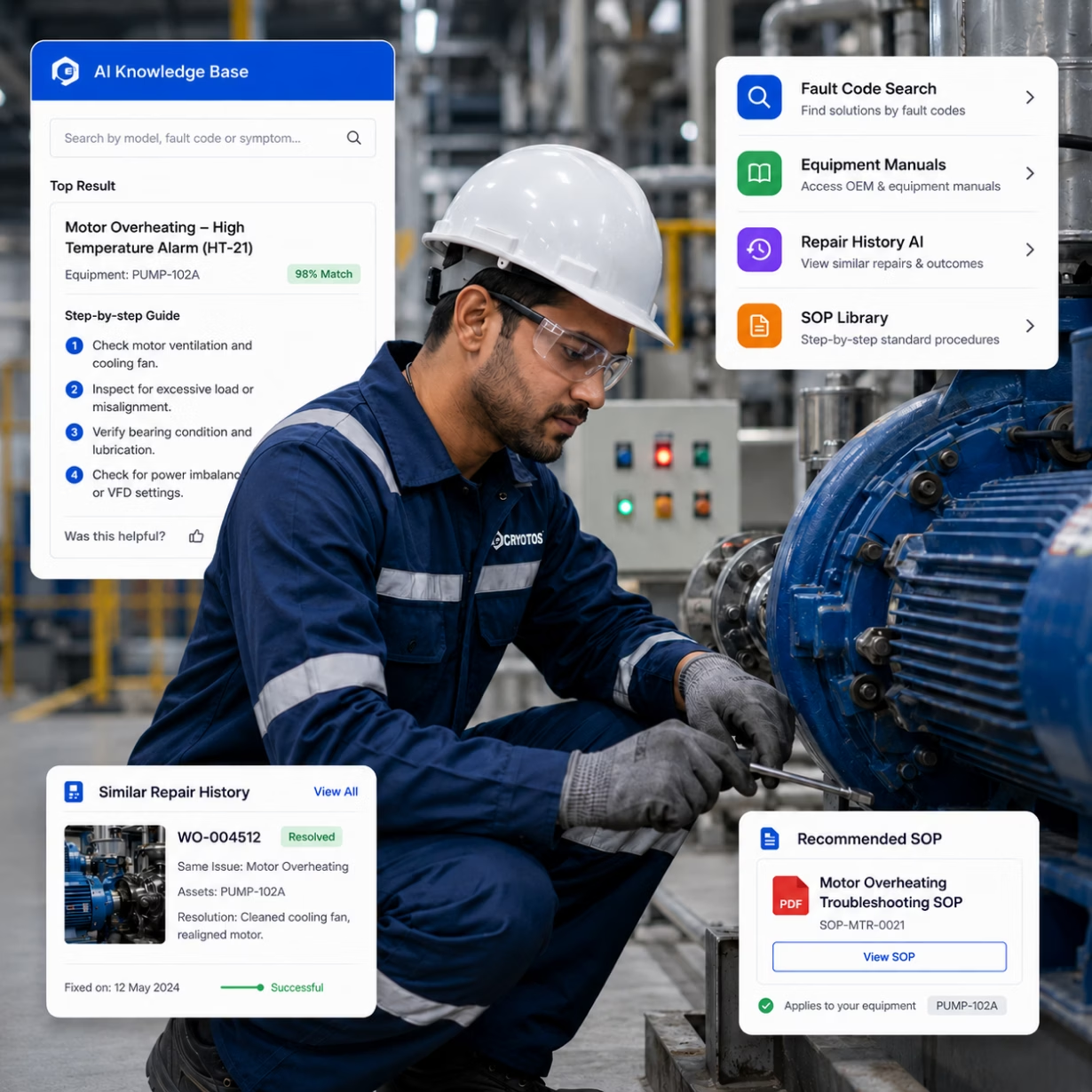
When a field engineer faces an unfamiliar fault, they open the Cryotos AI-Powered Knowledge Base on their mobile. They search by equipment model, fault code, or symptom. The AI returns step-by-step troubleshooting guides, repair history from similar jobs, and relevant SOPs — instantly.
No phone calls to senior engineers. No wasted time on-site. Fewer repeat visits. Your first-time fix rate goes up, and your cost per job goes down.
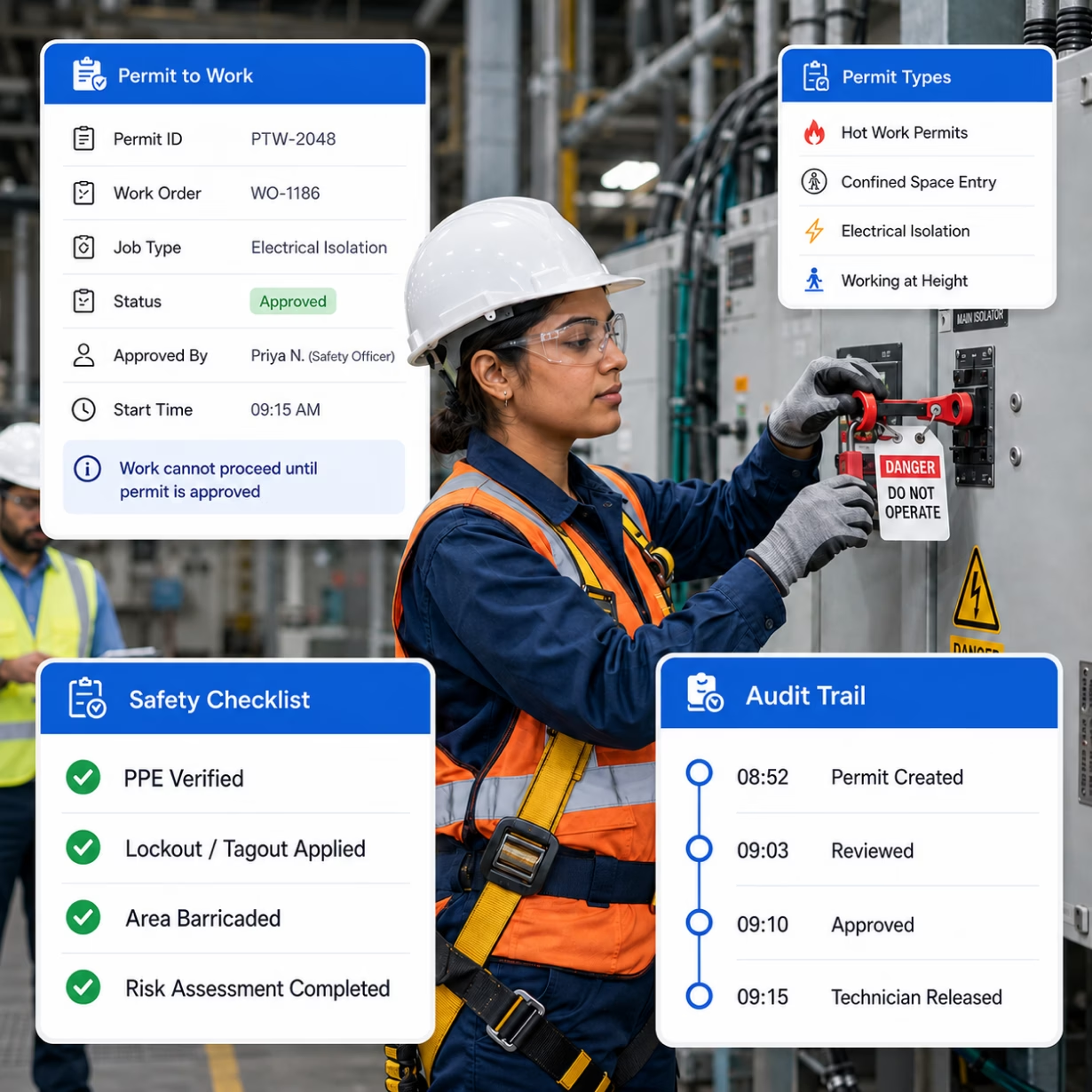
Before any hot work, confined space entry, electrical isolation, or working-at-height job, technicians initiate a permit-to-work from within the FSM app. The safety officer reviews and approves digitally. The work order cannot proceed until the permit is signed.
Every permit is logged with timestamps, approver names, and job scope. Audit trails are complete. Safety compliance is built into the workflow — not bolted on after.
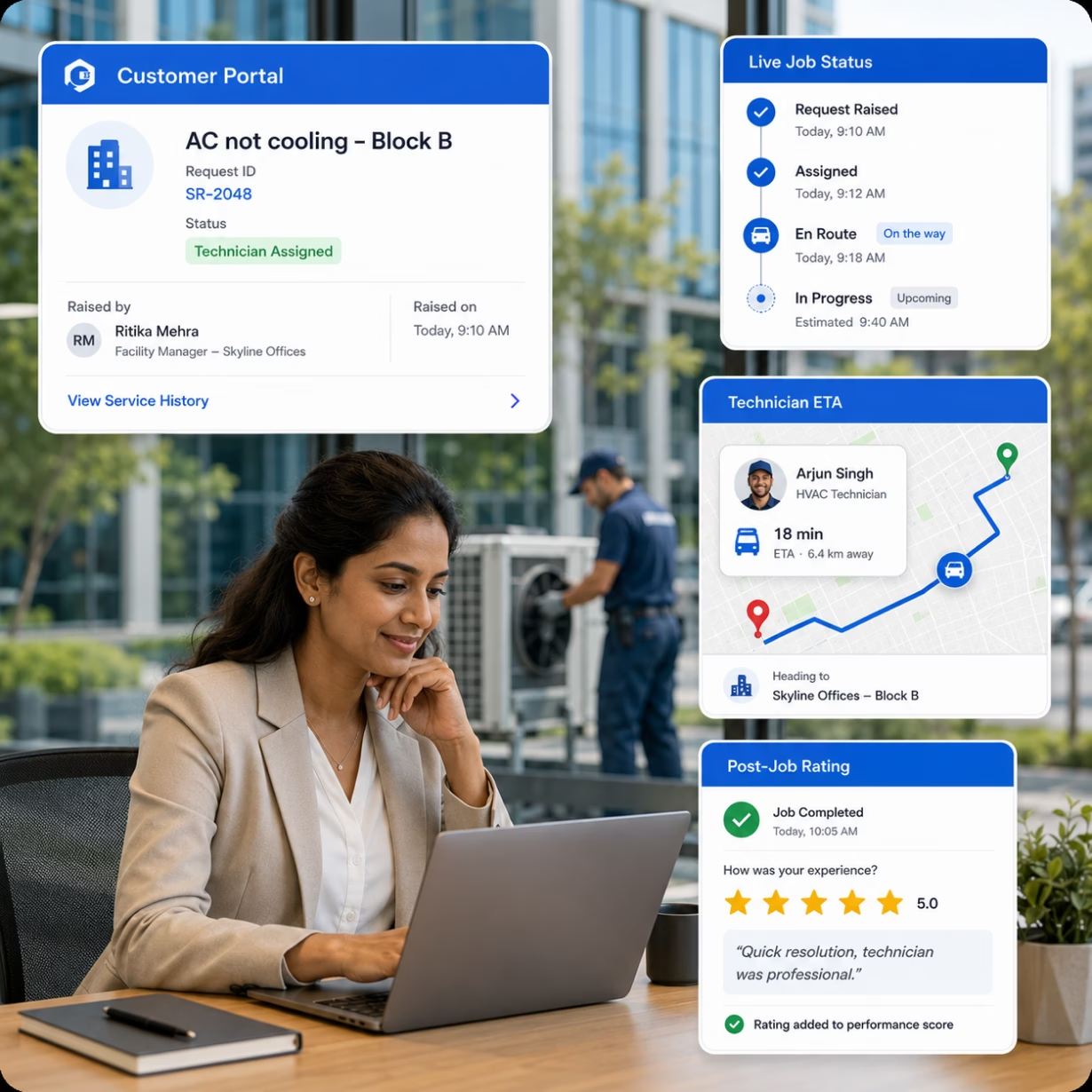
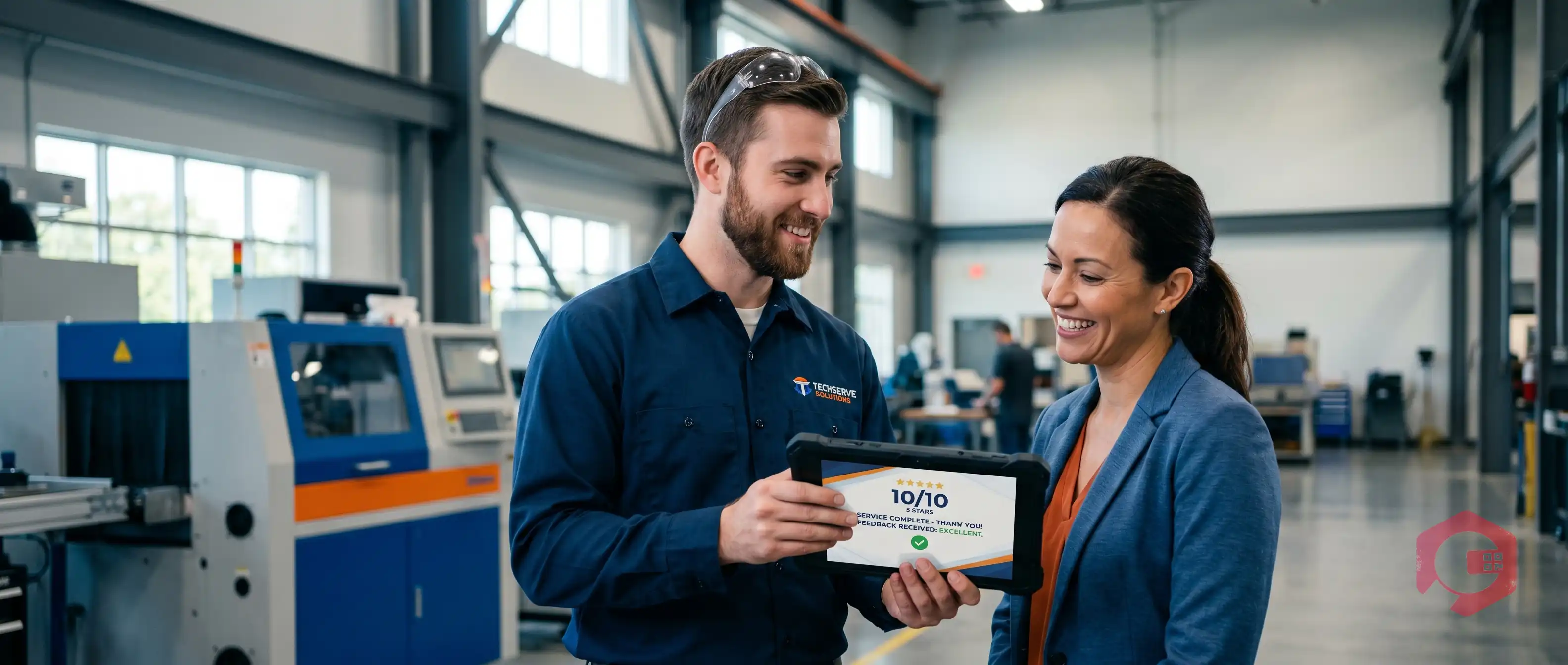
Customers log in to the Cryotos Client Portal to raise service requests, check live job status, view the technician's ETA, and review their full service history. When the job is done, they leave a rating and feedback — directly in the portal.
Your service desk takes fewer inbound calls. Customers feel informed and in control. And every rating feeds back into your technician performance scoring.
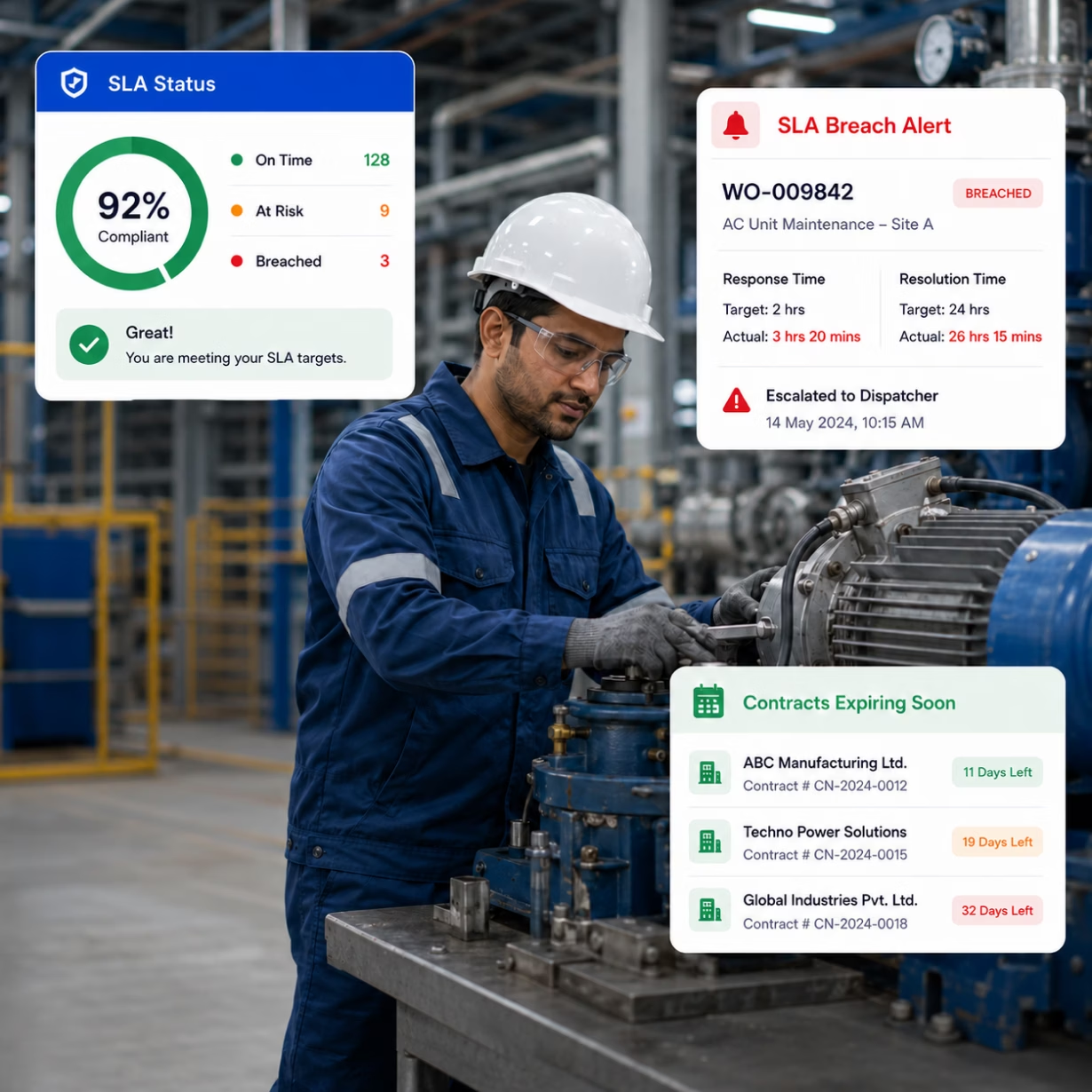
Define response time and resolution time targets for each contract tier. When a job approaches its SLA deadline, Cryotos automatically escalates to the dispatcher. Breaches are flagged in real time — not discovered in the weekly report.
Store contract terms, track expiry dates, automate renewal reminders, and generate invoices directly from contract stipulations. Contract management and field operations work as one.

Create, assign, and close work orders from any device. Log parts used, labour hours, photos, and digital signatures. Full job history saved automatically.

Match each job to the right technician by skill, location, and availability. Drag-and-drop rescheduling. Real-time calendar view for all open jobs.

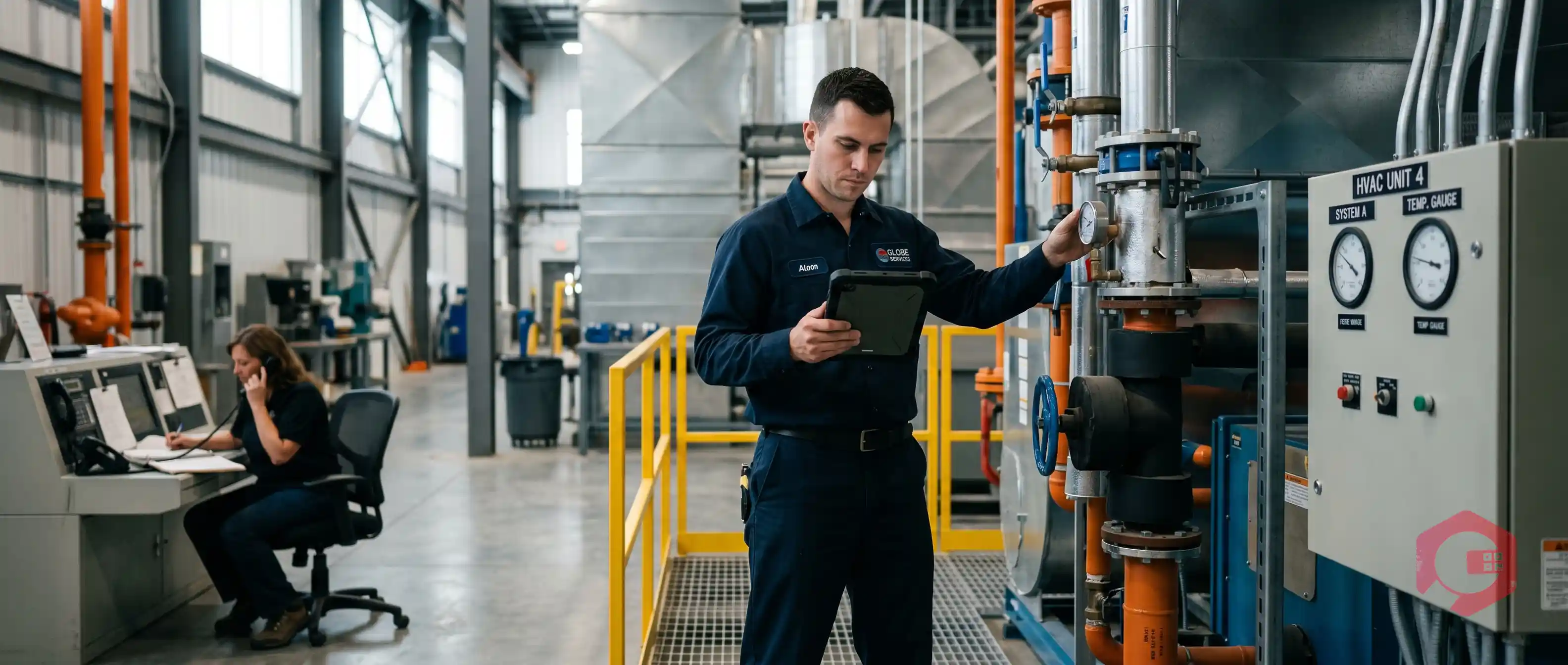
See every technician on a live map. Verify on-site check-ins. Automate route planning. Track travel time and generate mileage reports automatically.
.svg "Mobile FSM App (iOS + Android)")
Technicians receive jobs, access asset history, follow checklists, record photos and audio, and capture digital signatures — offline or online.

Schedule recurring PM tasks for customer equipment. Auto-generate work orders by date, meter reading, or IoT sensor trigger. Never miss a scheduled service.

Field technicians search equipment manuals, repair histories, and troubleshooting guides by fault code or symptom — from mobile, in the field.

Initiate, approve, and log digital permits for high-risk field work. Safety sign-offs happen in the app before the job can proceed.

Define SLA tiers per contract, auto-escalate at-risk jobs, store contract terms, and generate invoices based on agreed rates.

Customers raise requests, track job status, view service history, and leave feedback — all without calling your service desk.

Track parts usage per job. Set reorder points. Assign parts to work orders before dispatch so technicians arrive with what they need.

Track first-time fix rate, technician utilization, job completion time, SLA compliance, and customer satisfaction scores — all in one BI dashboard.

Send job assignments, status updates, and approval requests via WhatsApp or email. Technicians and customers stay informed without logging in.


Explore how Planys have encountered, 96% availability and reliability rate for assets, 25% reduction in critical breakdowns, and Enhanced operational efficiency after implementig Cryotos CMMS Software!
Alzain Farms LLC faced challenges with inefficient maintenance tracking, frequent equipment breakdowns, and manual processes. Explore how the firm overcome these issues and digitized their maintenance operations for real-time tracking and proactive scheduling.


I recently purchased Cryotos CMMS Software for asset management needs at my organization and after a few months of testing and monitoring, I'm incredibly pleased with the results. The software is user friendly, accessible and the design is very intuitive. It covers all the aspects of managing maintenance and repair, starting from preventive maintenance and standardizing operation cycles, to scheduling and streamlining workflows. I am highly satisfied with the performance and the range of features offered by Cryotos. Highly recommendable!
Read Review in G2Since we've started using Cryotos, our team has been able to stay on top of all the various SOPs. Checklists and safety procedures are now easily accessible to everyone, and we can quickly reference them whenever we need to. The software has definitely helped to improve our team's communication and efficiency. Plus, the fact that it's cloud-based means we can access it from anywhere, which is a big plus. It has been a great help in keeping everyone on the same page and up to date with the latest procedures.

I am using this application right now for my service team, very good, user friendly, have lot of customisation in workflow and service reports. the team supported for initial implementation, They have good support team. Myself fully recommended this application.
Read Complete Review in G2