

Audit log reports in CMMS give maintenance teams a complete, automatically generated record of every creation and update event across all master records — capturing who performed the action, what was changed, and when it happened. Without this visibility, a single unauthorized edit to an asset's criticality level or a vendor's contract terms can cascade into missed PMs and compliance failures.
According to a IBM Cost of a Data Breach Report, organizations that lack proper change tracking take an average of 197 days to identify unauthorized data modifications. Cryotos CMMS solves this with a built-in audit log that auto-generates a timestamped, user-attributed report for every action taken inside the application.
An audit log report in CMMS is an automatically generated record that captures every creation and modification event on a master data entry. It records who performed the action, what was changed, and when — providing a complete, tamper-evident history of the record's lifecycle.
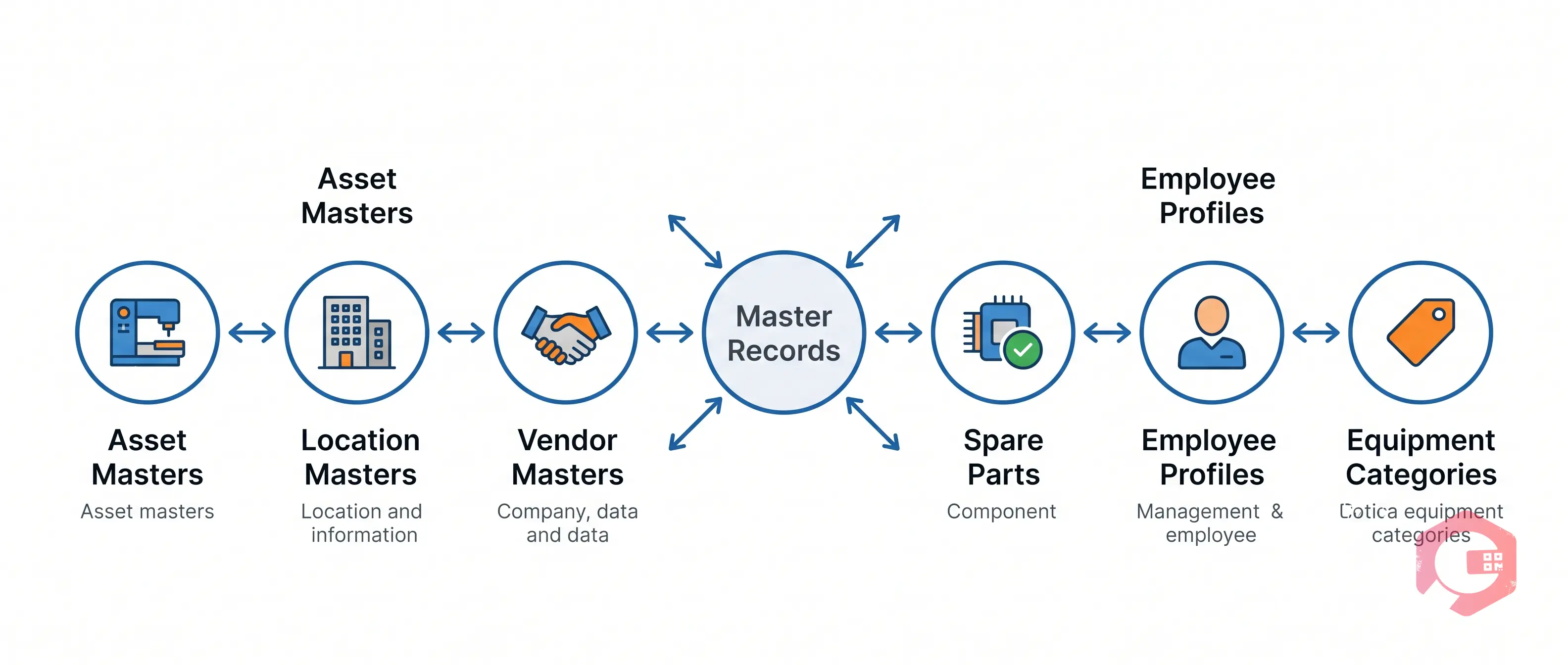
Master records are the foundational data entries in a CMMS that define every physical and logical entity in your maintenance operation. Common master record types include Asset Masters, Location Masters, Vendor Masters, Spare Parts Masters, Employee Profiles, and Equipment Type Masters.
Because every work order, preventive maintenance schedule, and cost report draws from these master records, a single undetected change can have outsized downstream effects. The ISO 55001 Asset Management standard explicitly requires documented evidence of changes to asset information — including who made changes, when, and under what authority.
Audit logs in a well-designed CMMS capture three distinct event types:
Cryotos CMMS auto-generates audit log reports in real time across all application modules — no manual data export, no spreadsheet maintenance required. Each entry contains: User Name, Action Type (Created/Updated/Archived), Module, Record Name, Field Changed, Old Value, New Value, and Timestamp.

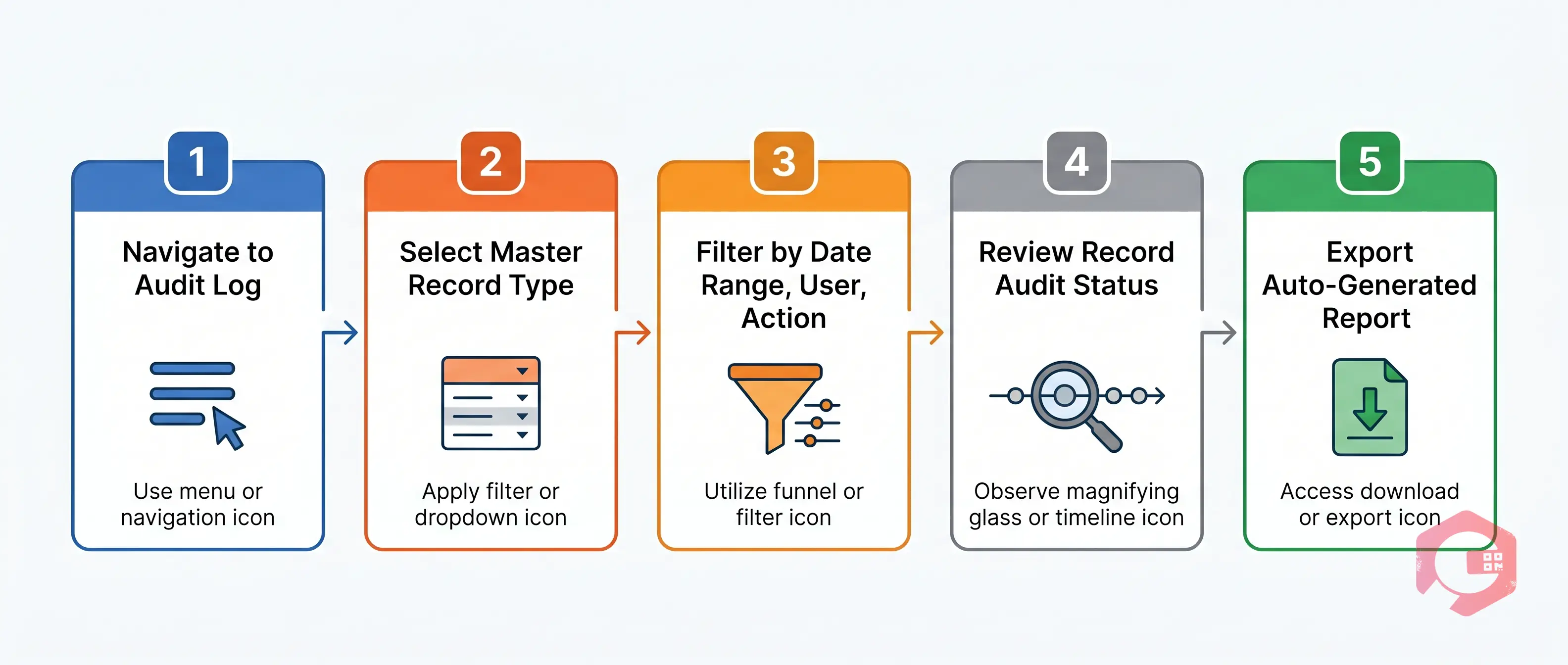
From the Cryotos main menu, select the Reports section and open the Audit Log report. This gives you a full, unfiltered view of all actions taken across every module in the application.
Use the Module filter to narrow the audit log to a specific record type — Assets, Locations, Vendors, Inventory, or any other master data module.
Apply additional filters to refine the results. Filter by a specific user, by Action Type (Created/Updated/Archived), or apply a date range covering the relevant audit period.
Click into any master record to view its full audit status — a chronological list of every event associated with that record from creation to the most recent update, including field-level change history.
Export the filtered audit log as a formatted report. Cryotos generates the report automatically with all relevant fields — user, action, module, record, timestamp, and changed values — formatted for direct use in compliance submissions or management reviews. No manual reformatting required.
If your team is ready to gain real-time visibility into every creation and update across your maintenance master records, Book a free demo today and see the audit log in action on your own data.
A master record audit in CMMS is the process of reviewing the complete change history of a foundational data entry to verify data accuracy, trace modifications, and confirm that all changes were made by authorised users.
Cryotos logs every action in real time at the field level. When a field is updated, the system stores the specific field name, old value, new value, user who made the change, and exact time of the update.
Yes. Cryotos generates audit log reports automatically and makes them available on demand through the Reports module. You can filter by module, user, action type, and date range, and export the result instantly.
Audit log report access is controlled by role-based permissions. System administrators and compliance managers typically have full access. Maintenance managers may have access scoped to their team or site.



Cryotos AI predicts failures, automates work orders, and simplifies maintenance—before problems slow you down.



