
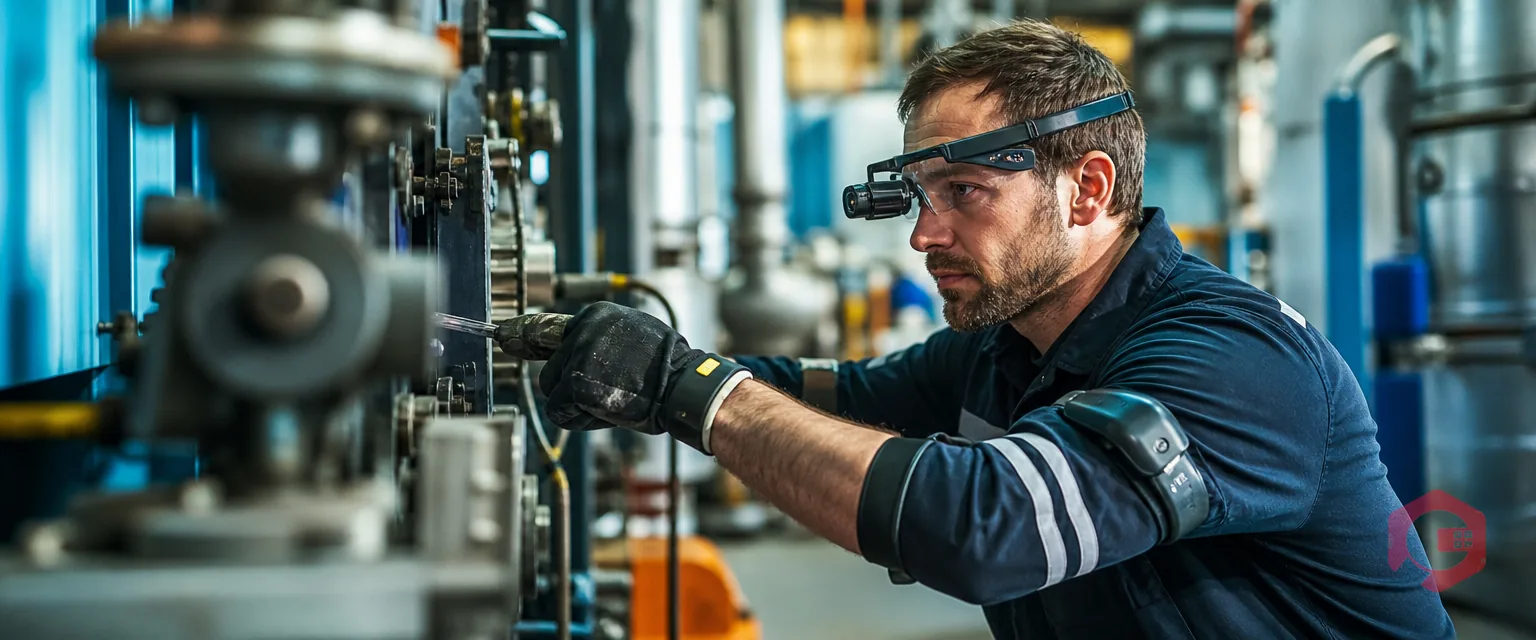
Connected worker technology is the set of wearables, mobile devices, and sensors that keep frontline technicians linked to data, colleagues, and remote experts in real time while they work. In maintenance operations, this now covers smart glasses for remote repair guidance, wrist and ring scanners for asset identification, voice-driven work order updates, and safety wearables that monitor location and environmental exposure. None of these devices create lasting value on their own. They need a Computerized Maintenance Management System (CMMS) to do the real work. A CMMS turns a scan, a voice note, or a sensor alert into a structured maintenance record someone can act on. This guide breaks down the wearables landscape, why it matters now, and how Cryotos connects that field data to real work orders.
Key Takeaways

Connected worker technology is wearables and mobile tools that keep frontline staff linked to data in real time. It grew out of the wearable computing and industrial IoT movements of the 2010s and has matured into its own software category with dedicated vendors and enterprise buyers.
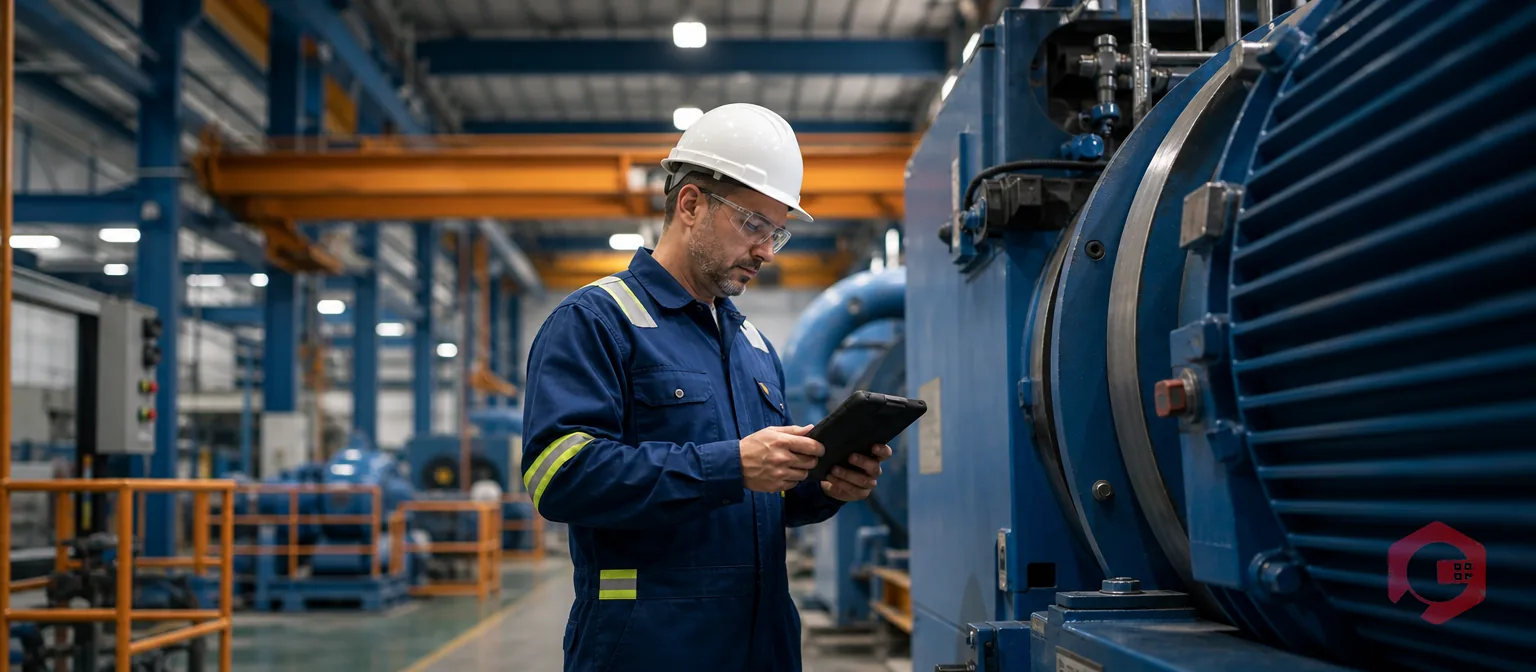
The idea is simple. A technician stays connected to information and people without stopping work. They don't need to climb down from a platform or walk back to a desk to log what happened. Smart glasses show repair steps. A wrist scanner confirms an asset ID. A voice command creates a work order. Each of these replaces a manual step that used to happen later, often less accurately.
According to Wikipedia's overview of wearable technology, wearables typically include sensors, a processor, and wireless connectivity. That combination is exactly what lets a device capture field data. It can then hand that data off to a system like a CMMS without the technician doing extra data entry.

Connected worker hardware falls into four overlapping categories. Each one solves a different frontline maintenance problem.
| Category | Examples | Primary Function | Maintenance Use Case |
|---|---|---|---|
| Smart glasses & AR headsets | Head-mounted cameras, AR displays | Remote visual guidance | Expert-led repairs without an on-site specialist |
| Wearable scanners | Ring scanners, wrist barcode/RFID readers | Hands-free identification | Asset and parts scanning during inspections |
| Safety wearables | Smartwatches, connected vests, gas badges | Biometric and environmental monitoring | Fall, heat, and gas exposure alerts |
| Voice interfaces | Voice assistants, push-to-talk apps | Hands-free communication | Voice-created work orders and status updates |
Voice interfaces are the easiest entry point. They need no new hardware beyond a phone most technicians already carry. Smart glasses and safety wearables need more investment. They pay off fastest in specialized repairs and hazardous environments, where the cost of a mistake or a missed hazard is high.
Several forces are pushing this from experimental to expected. Experienced technicians are retiring faster than replacements get trained. Remote-guidance tools let one expert support several sites at once, which softens that gap. High frontline turnover means less tribal knowledge stays on site. Capturing that knowledge as structured data matters more with every year that turnover stays high.
Hardware costs have also dropped sharply. Rugged wearables and sensors that were too expensive to pilot five years ago are now realistic purchases for a mid-size maintenance team. At the same time, predictive and condition-based maintenance programs need more frequent field data. Manual logging can't realistically keep up with that pace.
For CMMS users, the real shift is where maintenance data gets created. A technician used to finish a job and log it later, from memory, at a desk. Connected devices move that logging into the moment the work happens. Both speed and accuracy of the record improve as a result, because nothing has to be remembered hours later.
Wearables are input channels. A CMMS is the system of record that gives that input structure and a place to live. Without a CMMS in the loop, a smart glasses session or a wearable scan produces a clip or a data point with nowhere useful to go. There's no link to an asset history. There's no work order to close.
| Connected Worker Input | What It Captures | What the CMMS Must Do |
|---|---|---|
| Smart glasses session | Video and voice notes from remote guidance | Attach to the work order as a permanent record |
| Wearable scan | Asset ID, part ID, location | Auto-fill the correct asset on the work order |
| Voice-created work order | Spoken issue description | Route to the right queue and priority |
| Safety wearable alert | Fall, gas, or inactivity event | Trigger an incident record and notify supervisors |
This is why a connected worker plan and a CMMS plan cannot be built separately. Buying smart glasses without a CMMS that can absorb that data leads to a good demo. It rarely leads to lasting change.

Cryotos is built mobile-first. That makes it a natural landing point for connected worker data. Every input follows the same basic path.
The Capture-Route-Close Framework: the three steps any connected worker input needs to become a usable maintenance record.
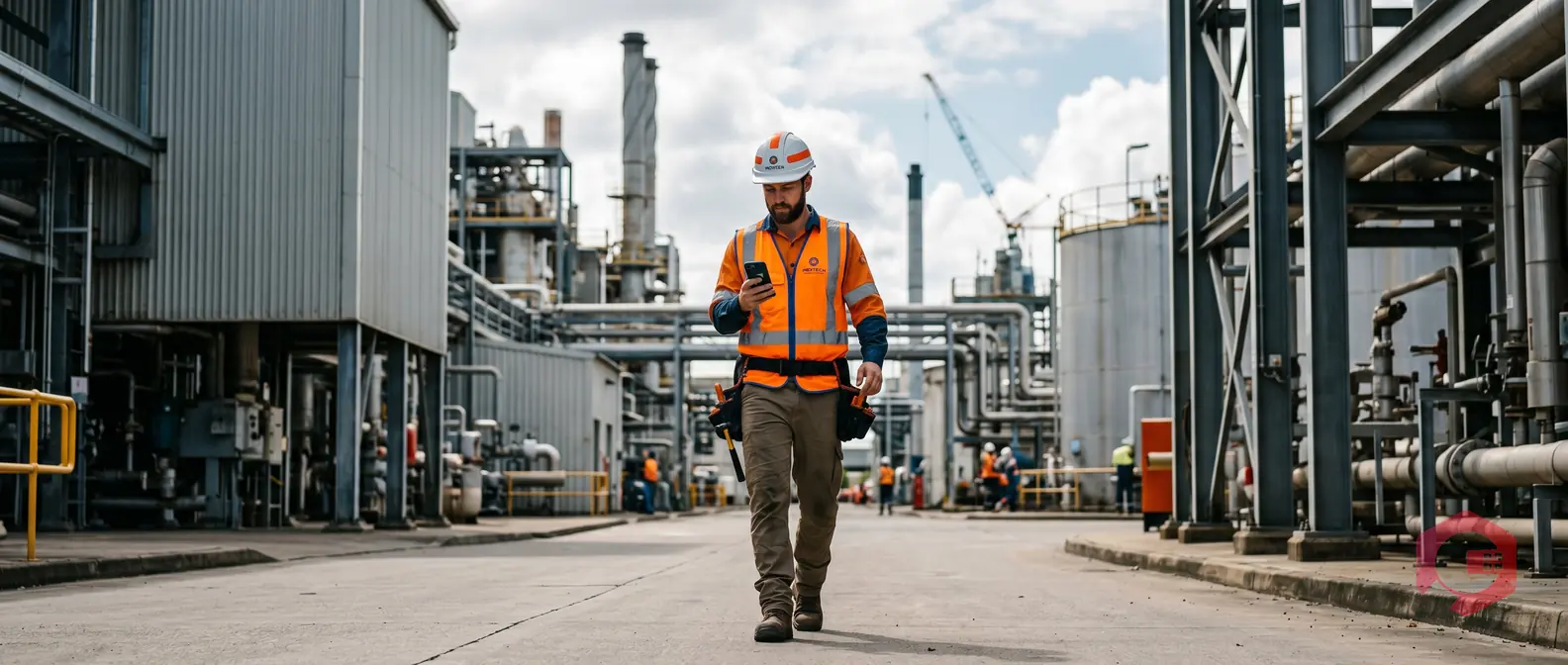
Frontline sites like basements and tank farms often have poor connectivity. Cryotos's mobile CMMS app works fully offline and syncs automatically once a signal returns. That matters for any wearable deployment that needs to keep working in a dead zone. Maintenance teams using Cryotos have reported up to 30% less unplanned downtime, largely because field data reaches the system the moment it's captured instead of hours or days later.
Cryotos' QR code asset tagging gives every asset a scannable identity from day one. That's exactly what a wrist or ring scanner needs to log a hands-free scan against the right record.
On the sensor side, Cryotos integrates with IoT devices via SCADA, PLC, and edge connections. A vibration reading captured during an inspection round feeds into the same condition-based maintenance logic that fixed sensors already use. Wearable and stationary sensor data end up in one place instead of two separate systems nobody cross-checks.
Most teams overcomplicate a connected worker pilot. A focused first phase beats a broad, expensive one.
Skilled trades and hazardous environments benefit most from safety wearables. OSHA's guidance on heat hazard recognition is a useful reference point here. It helps build the case for environmental monitoring wearables in outdoor or high-heat maintenance work.
Most connected worker pilots don't fail because the hardware is bad. They fail because the surrounding plan is incomplete. A few patterns come up again and again.
None of these mistakes require a bigger budget to avoid. Sequencing the rollout is what matters most: solve the data destination and the connectivity plan before the hardware order goes out.
It is the wearables, mobile devices, and voice tools that let frontline technicians access information in real time. Data gets logged the moment it happens instead of after the fact. A connected worker stays linked to colleagues, equipment, and systems throughout the shift. This replaces paper logs and end-of-day memory with data captured on the spot.
No. Voice-created work orders and a mobile CMMS app cover most of the value without buying any new devices. Wearable hardware like ring scanners or smart glasses is worth adding later. Wait until the basics are in daily use and technicians trust the system.
The CMMS receives whatever the device captures: an asset scan, a voice note, a video clip. It attaches that data to the correct work order and asset record. Without that connection, the device produces a file with no lasting place to live.
Yes. Safety wearables track falls, gas exposure, or inactivity. That data feeds directly into incident and downtime records, turning one-time alerts into patterns a safety team can act on. Over a few months, that trend data often points to a specific shift, site, or task that needs a process fix, not just a faster response.
Voice-created work orders. They use hardware technicians already carry. There's no training on new equipment required, and the time between spotting a problem and logging it drops right away.
Wearables and mobile devices only create value once the data they capture lands somewhere useful. Schedule a free demo to see how Cryotos turns voice, photo, and scan-based input from your frontline team into real, actionable work orders.

Cryotos AI predicts failures, automates work orders, and simplifies maintenance—before problems slow you down.



