

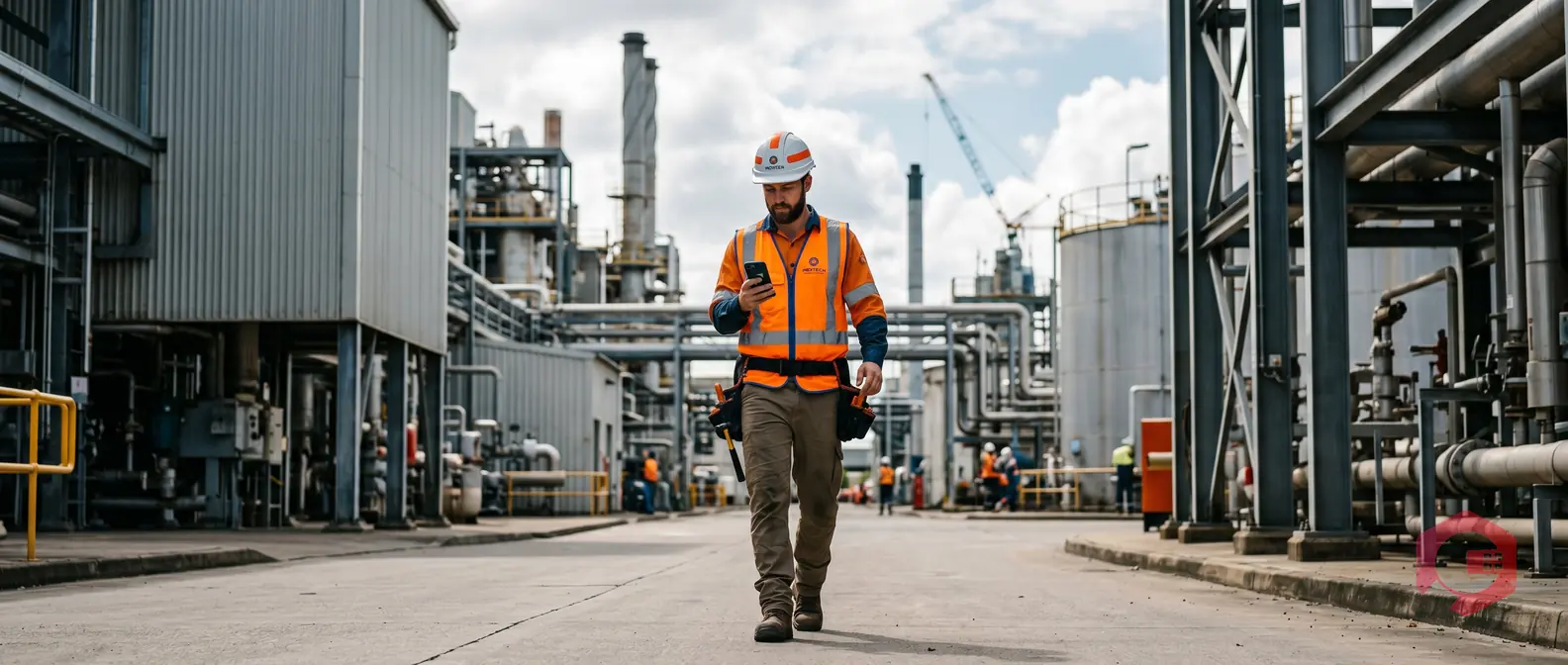
Mobile maintenance management is the practice of running maintenance operations - work orders, asset inspections, checklists, and reporting - through a mobile app or mobile-enabled CMMS platform. Instead of printing work orders at a desk and hunting down paper records, technicians get everything they need on a smartphone or tablet, right at the machine. According to a Gartner report on mobile technology adoption, over 80% of field workers now prefer mobile-first tools for task execution - and maintenance teams are no exception.
For maintenance teams still relying on spreadsheets, whiteboards, or desktop-only CMMS software, the gap between where they are and where they could be is significant. Faster response times, fewer missed PMs, and cleaner audit records all start with putting the right tools in a technician's hands - literally.
This guide breaks down exactly what mobile maintenance management is, the eight benefits that matter most to technicians on the floor, and how to get your team using it without the usual adoption friction.
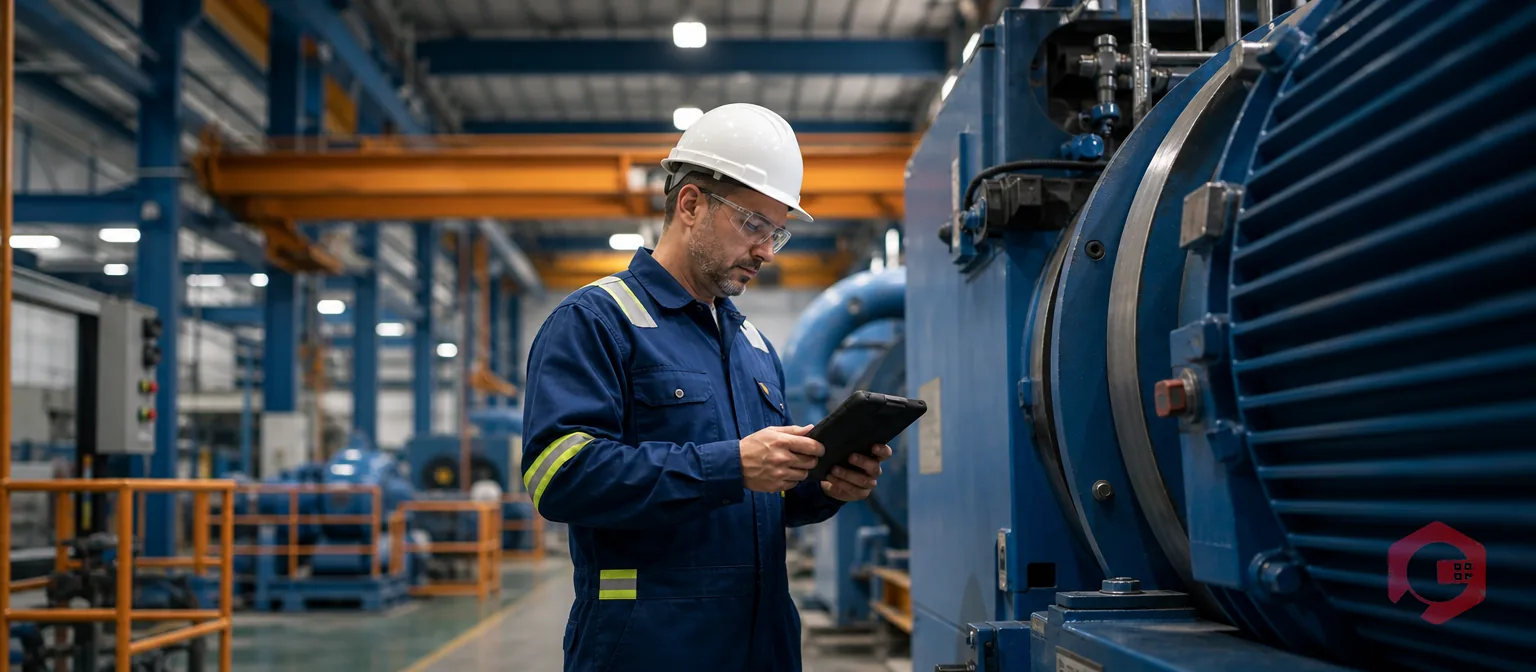
Mobile maintenance management means giving technicians full access to your CMMS software through a mobile device. That includes viewing and updating work orders, scanning asset QR codes, completing inspection checklists, logging downtime, and communicating with supervisors - all without returning to a workstation.
It is not just a smaller version of your desktop CMMS. A well-built mobile maintenance app is designed around how technicians actually move through a facility: walking from asset to asset, working in noisy environments, often with dirty hands and limited time to type.
Traditional CMMS software was built for a maintenance planner sitting at a desk. Mobile maintenance management shifts the operational center of gravity to the technician in the field. Work gets updated in real time - not hours later when someone finally gets back to a computer to log what happened. The result is data that is actually accurate, not reconstructed from memory at the end of a shift.
Not all mobile maintenance apps deliver the same value. The ones that genuinely help technicians include these four capabilities:
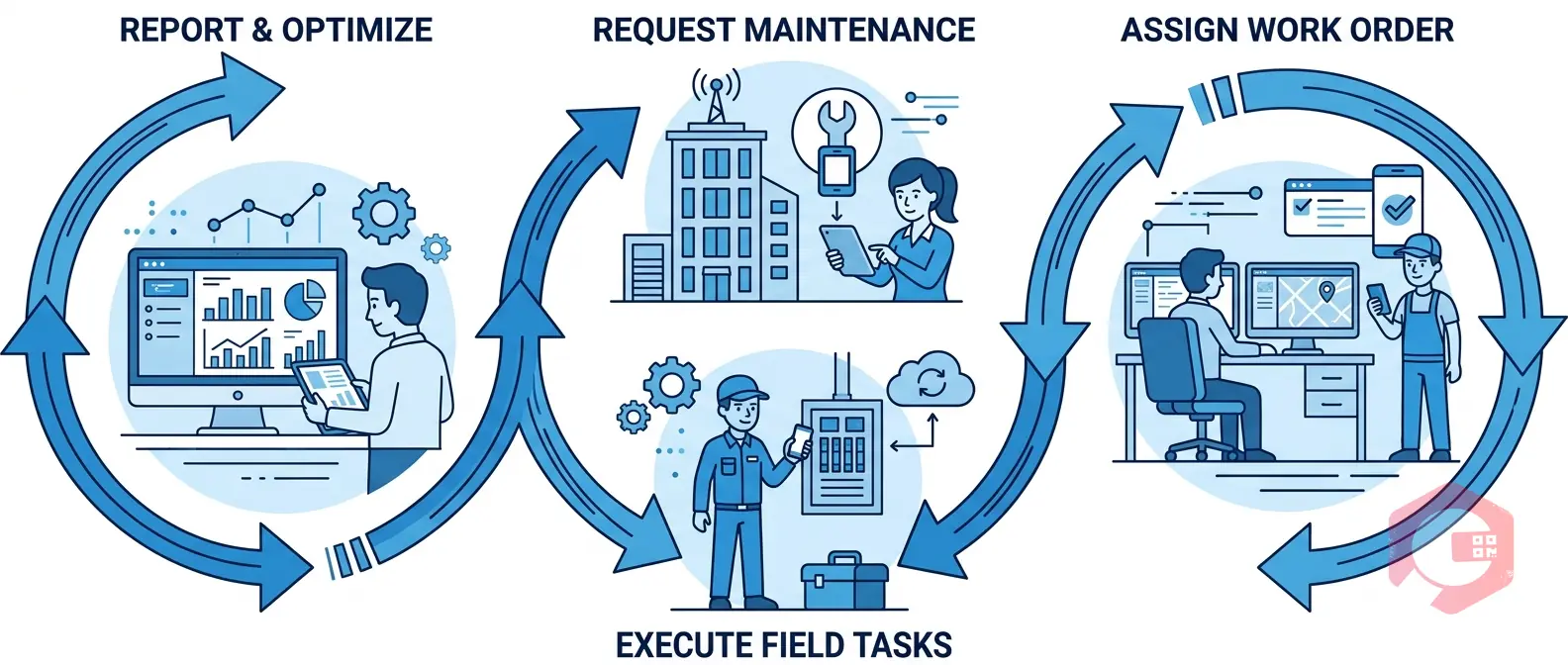
Here is where the real difference shows. Each of these benefits directly changes how a technician's workday looks - and how much of it is spent on actual maintenance versus paperwork and back-and-forth.
A technician starting a shift no longer needs to check a whiteboard, ask a supervisor, or log into a desktop terminal. Their full task queue - priority level, asset location, required parts, and notes from the previous shift - is already on their phone. According to Reliable Plant, maintenance teams that switch to mobile work order management report up to 20% improvement in technician utilization within the first three months.
Before opening a panel or starting a repair, a technician can scan the asset's QR code and immediately see its full maintenance history, last failure mode, and any open warnings. This is not a minor convenience - it directly reduces the chance of repeating a failed fix or missing a known failure pattern. Cryotos's asset management software ties every scan to live asset records, so technicians always have current data, not a printout from last Tuesday.
Mean Time to Repair (MTTR) is one of the most important KPIs in maintenance operations. Mobile access cuts MTTR by eliminating the time lost in transit back to a workstation, searching for paper records, and waiting for verbal handoffs. Teams using mobile-enabled work order management through Cryotos have reduced repair times by 25% - because technicians arrive at the asset already briefed, with the right procedure loaded on their device.
Standardizing maintenance procedures is one of the hardest parts of running a reliable maintenance program. Paper checklists get lost, skipped, or filled in after the fact. Mobile checklists are tied to the specific work order and asset - a technician cannot mark a task complete without going through each step. This enforces consistency without requiring a supervisor to be present for every job.
When a technician finds an unexpected fault - corrosion, a cracked component, a misaligned coupling - they can photograph it immediately and attach it to the work order. That photo becomes part of the permanent asset record. It supports warranty claims, insurance documentation, root cause analysis, and future technician briefings. A Plant Engineering survey found that visual documentation is one of the top three features maintenance technicians say drives the most value in mobile tools.
This is the feature most people overlook until it matters. A large percentage of industrial facilities have dead zones - underground areas, cold storage, shielded rooms, or remote outdoor sites with no signal. An app that requires constant internet connectivity is useless in those locations. Cryotos's mobile app operates in full offline mode and syncs all data automatically once the device reconnects. Technicians keep working; nothing gets lost.
For regulated industries - food processing, pharmaceuticals, oil and gas, healthcare facilities - every maintenance action needs a traceable record. Mobile maintenance management creates automatic, timestamped audit trails for every work order update, checklist completion, and digital signature. According to OSHA equipment maintenance standards, maintenance records must be accurate and accessible for inspections. Digital audit trails generated on mobile are far more reliable than paper logs that can be altered, lost, or simply never completed.
Manual data entry at the end of a shift is where errors enter your maintenance records. Technicians misremember job times, skip logging minor notes, and consolidate what was actually three separate tasks into one vague entry. Mobile entry at the point of work eliminates this. Data gets recorded when it is fresh and accurate - which means your reporting, your preventive maintenance schedules, and your downtime analysis are built on real information instead of approximations.
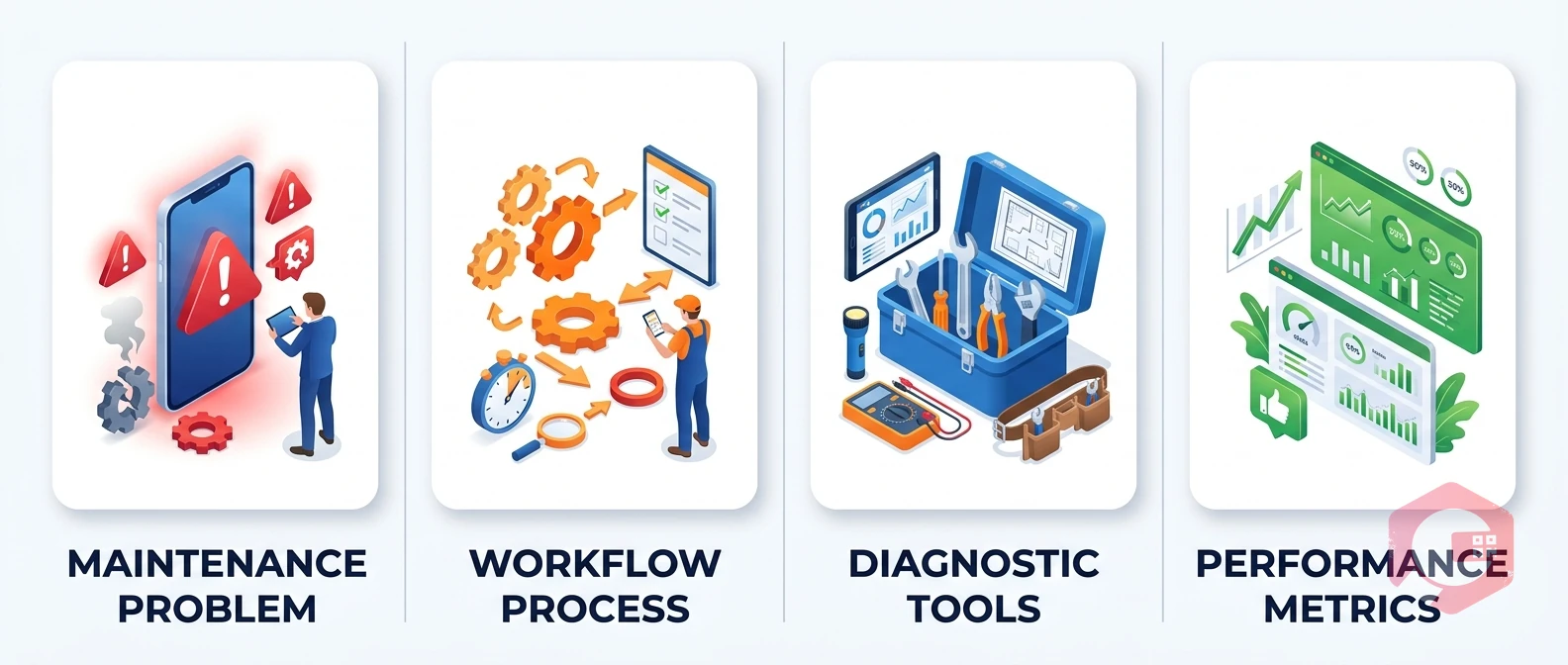
Desktop CMMS platforms are built for planners and managers who spend most of their day at a workstation. Mobile CMMS platforms are built for the people who actually touch the equipment. Here is how those two experiences compare in practice:
The bottom line: desktop CMMS creates a lag between the work happening and the data being recorded. Mobile eliminates that lag entirely.
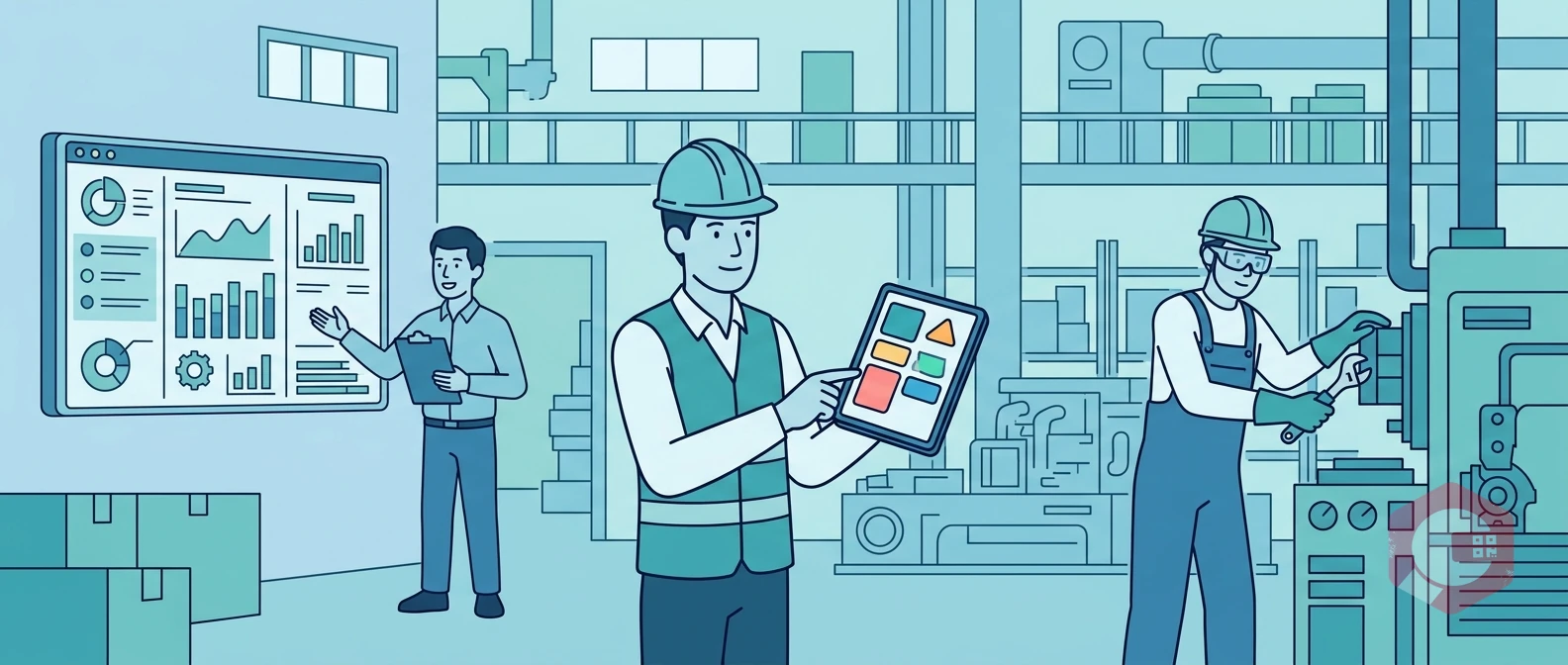
The most common reason mobile maintenance rollouts stall is not the technology - it is the change management around it. Technicians who have worked with paper-based systems for years need a reason to change, not just a mandate. These four steps consistently improve adoption rates:
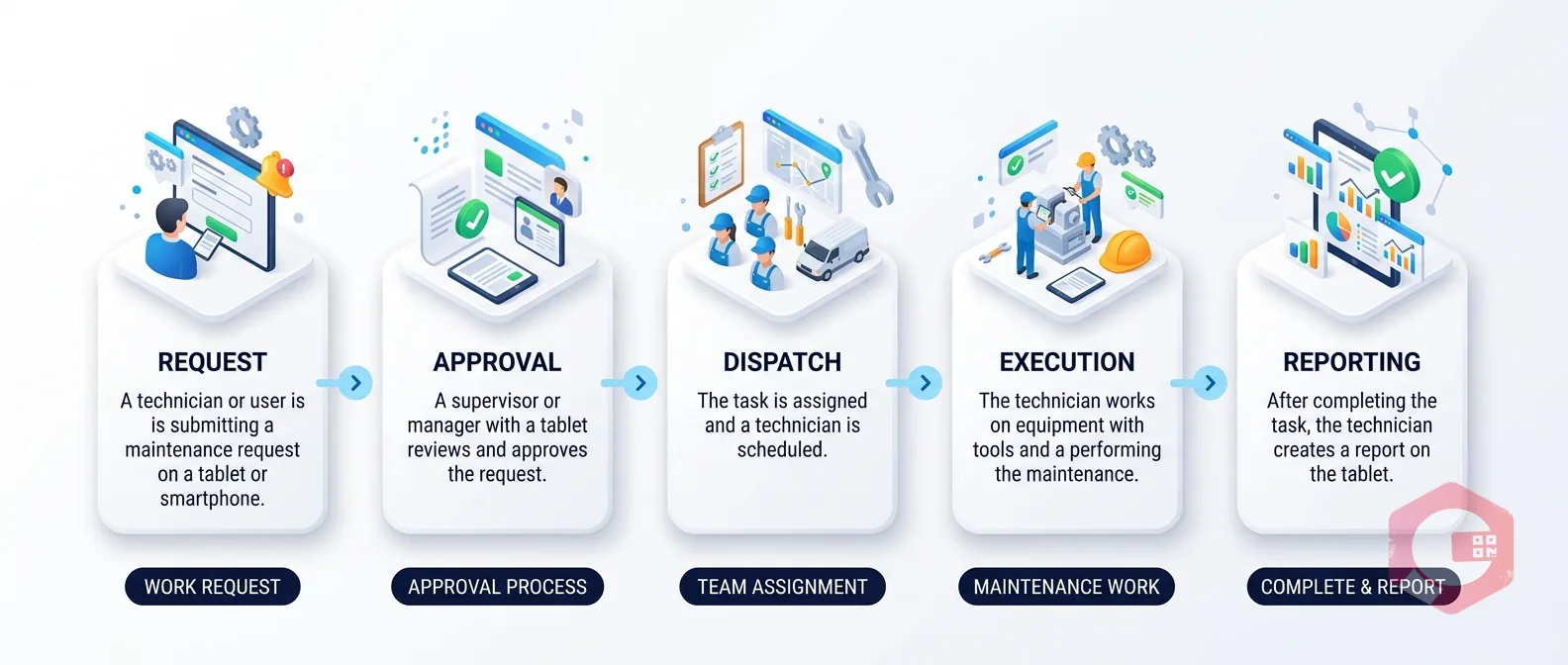
Mobile maintenance management is the use of a smartphone or tablet to manage maintenance tasks - including work orders, asset inspections, checklists, and reporting - through a mobile-enabled CMMS platform. It allows technicians to access and update maintenance data in real time from anywhere in a facility, without needing to return to a workstation.
Yes, the best mobile CMMS platforms include a full offline mode. Technicians can view work orders, complete checklists, and log updates even in areas with no internet signal. The data syncs automatically to the central system once the device reconnects to the network. This is essential for facilities with dead zones like basements, cold storage rooms, or remote outdoor sites.
Based on field usage data, the three most-used mobile features among maintenance technicians are: work order viewing and status updates, QR code scanning for asset history, and photo attachment for fault documentation. Push notifications for new assignments and checklist-guided procedures also rank consistently high in technician satisfaction surveys.
Mobile access reduces downtime in three ways. First, technicians receive instant notifications for breakdowns and can respond faster without waiting for a paper dispatch. Second, they arrive at the asset briefed with full history and the correct repair procedure already loaded. Third, real-time data logging means recurring failures are identified earlier, enabling faster shifts from reactive to preventive maintenance. Cryotos customers report a 30% reduction in downtime after implementing mobile-enabled downtime tracking.
Absolutely. Small teams often benefit most from mobile maintenance tools because they have fewer resources to absorb inefficiencies. A 3-person maintenance team that eliminates paper-based work order tracking, manual parts requests, and end-of-shift data entry can recover several hours per week that go directly back into actual maintenance work. Mobile CMMS scales from single-site small teams all the way up to multi-site enterprise operations.
Mobile maintenance management is not a feature - it is a shift in how maintenance work gets done. When technicians have the right information at the right moment, they respond faster, document better, make fewer errors, and spend less time on administrative tasks. The eight benefits covered in this guide - from instant work order access to offline capability and digital audit trails - each address a specific friction point that erodes productivity in traditional maintenance operations.
If your team is still working from paper work orders, verbal handoffs, or a CMMS that your technicians rarely open because it is too cumbersome on a phone, it is worth looking at what a purpose-built mobile-first platform can do. Cryotos CMMS gives maintenance teams a full mobile experience - work orders, asset scanning, offline mode, checklists, and real-time reporting - all from a single app. The teams seeing the sharpest gains are the ones that stop treating mobile access as an add-on and start treating it as the primary way their technicians work.

Cryotos AI predicts failures, automates work orders, and simplifies maintenance—before problems slow you down.



