
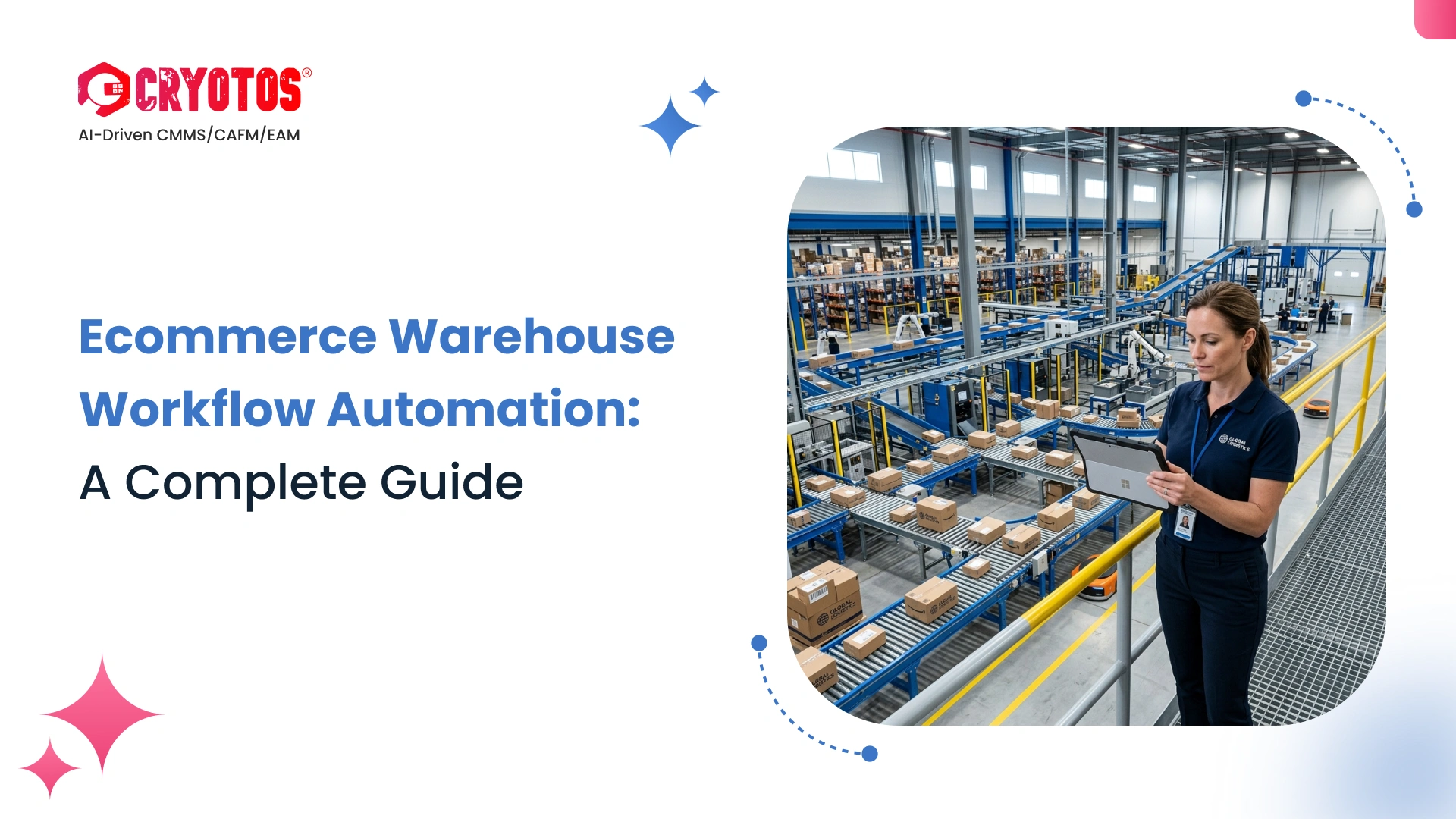
Ecommerce warehouse workflow automation is the process of using software to trigger, route, and escalate warehouse tasks — from order picking and inventory replenishment to equipment maintenance — without manual intervention. When a trigger condition is met (a low stock alert, a new order, an equipment fault), the system automatically creates a task, assigns it to the right person, and notifies them in real time. The result: faster fulfillment, fewer errors, and a warehouse that can handle peak demand without adding headcount.
If your team is still relying on spreadsheets, phone calls, or tribal knowledge to keep warehouse operations on track, you're leaving money on the table. Studies show that automation can cut order processing time by up to 67% and reduce picking errors by 25%. This guide walks you through every workflow worth automating, how escalation rules protect you when things go wrong, and how a CMMS adds a layer of automation that most competitors ignore entirely.
A warehouse workflow is any repeatable sequence of tasks — receiving stock, fulfilling an order, processing a return, or maintaining equipment. Automation means the system handles the handoffs. Instead of a supervisor manually assigning jobs or a technician waiting for someone to notice a problem, software monitors conditions and acts the moment a trigger fires.
For ecommerce specifically, the stakes are high. A single stockout during a flash sale or a conveyor belt breakdown during peak season can ripple through thousands of orders. Automated workflows close that gap by removing humans from the loop for routine decisions while escalating urgent issues to the right person instantly.
Most guides focus on one layer: business process workflows like order routing, picking, and shipping label generation. That layer matters, but there's a second layer that's equally important and far less discussed — operational and maintenance workflows. These cover equipment uptime, PM scheduling, and fault escalation. Skipping this second layer is why many "automated" warehouses still lose hours to unexpected downtime. A complete automation strategy covers both.
Not every workflow delivers the same ROI. Start with the processes that touch the most orders or carry the highest risk of delays. Here are the four areas where automation makes the biggest difference in an ecommerce warehouse.
When an order lands, an automated workflow can validate payment, check inventory across locations, generate a pick list, assign it to the nearest available picker, and send a shipping confirmation — all before a human has glanced at the screen. Manual order processing takes an average of 4–6 minutes per order; automation cuts that to under 60 seconds at scale.
Key triggers to automate in order processing:
Manual stock checks are slow and error-prone. An automated replenishment workflow watches inventory levels in real time and fires a purchase order the moment a SKU drops below its reorder point. Connect this to your inventory management software and you can set dynamic thresholds based on lead times, seasonal demand, and supplier reliability — not just static minimums.
A well-configured replenishment workflow also prevents over-ordering. It factors in current purchase orders already in transit, so you don't double up during a high-velocity week.
Returns are the silent killer of ecommerce margins. Each return that sits unprocessed ties up inventory and delays restocking. An automated returns workflow can inspect return reason codes, trigger a quality check task, route resellable items back to available inventory, and flag damaged goods for write-off — all without a manual review step. The National Retail Federation estimates the average return rate for ecommerce sits at 17.6%, making this workflow one of the highest-impact areas to automate.
This is the workflow most ecommerce operations ignore — and the one that causes the most unplanned downtime. Forklifts, conveyors, sortation systems, and HVAC units all need regular maintenance. When those tasks run on paper or on someone's memory, they slip. An automated preventive maintenance workflow schedules inspections automatically, assigns them to certified technicians, and tracks completion in real time. If a PM task is overdue, the system escalates it — no manager required.
Automation handles routine tasks well, but what happens when something goes wrong and the first responder doesn't act? That's where escalation workflows come in. An escalation workflow defines a chain of notifications and actions triggered by inaction or a critical event. Without one, problems fester until someone notices — which is usually too late.
A practical escalation matrix ties trigger conditions to response levels. Here's what a three-level escalation looks like for common warehouse events:
The key to an effective escalation matrix is specificity. Define exact time thresholds, named roles (not just job titles), and the action each level must take. Vague escalation rules get ignored under pressure.
Technology alone won't fix a broken process. These practices separate warehouses that get real results from those that simply automate their existing problems. Industry data shows that warehouses implementing ecommerce warehouse workflow automation in a phased, process-first approach achieve a 2–3x higher ROI than those that deploy technology without first fixing their underlying workflow design.
A Computerized Maintenance Management System (CMMS) is the engine behind the second layer of warehouse automation — the operational layer that keeps equipment running. While your WMS handles orders and inventory, a CMMS handles everything from scheduled PMs to IoT-triggered work orders to full escalation workflows for maintenance events.
Here's how Cryotos CMMS specifically supports ecommerce warehouse workflow automation:
The result is a warehouse where the business process layer (WMS) and the operational layer (CMMS) work together. Orders flow without friction, and the equipment those orders depend on stays operational. That combination is what separates high-performance ecommerce fulfillment centers from the ones that scramble every peak season.
If you're ready to add maintenance workflow automation to your warehouse stack, Cryotos offers a full work order management platform built for operations teams — no IT department required. Book a demo to see how automated escalation workflows work in a live environment.
What is the difference between warehouse management and warehouse automation?
Warehouse management refers to the overall strategy and tools for running warehouse operations — inventory tracking, order fulfillment, and labor scheduling. Warehouse automation is a subset: it's the use of software (and sometimes hardware like conveyors or robots) to execute specific tasks automatically when trigger conditions are met. You can have management without automation, but you can't scale up automation without sound management processes underneath it.
How do escalation workflows work in a warehouse?
An escalation workflow defines what happens when a task goes unaddressed past a set time threshold. For example: if a high-priority work order isn't acknowledged in 15 minutes, the system automatically notifies the supervisor. If it's still open for 30 minutes, the warehouse manager gets an alert. Each level includes the original task details, so the escalation recipient has full context and can act immediately.
What workflows should I automate first in an ecommerce warehouse?
Start with order processing and inventory replenishment — these workflows run constantly, touch every order, and have well-defined trigger conditions that are easy to automate. Once those are stable, move to returns processing and equipment maintenance scheduling. Maintenance workflows are often saved for last but have one of the highest ROI profiles because they prevent unplanned downtime that can halt an entire facility.
Can CMMS software help with ecommerce warehouse automation?
Yes — a CMMS handles the operational layer that most WMS platforms don't cover. It automates preventive maintenance scheduling, creates IoT-triggered work orders when equipment data crosses a threshold, and runs escalation workflows to ensure maintenance issues are resolved quickly. For ecommerce warehouses where equipment uptime directly affects order fulfillment, a CMMS is a critical part of the automation stack. Asset management software within a CMMS also tracks equipment history, warranty status, and lifecycle data — all in one place.



Cryotos AI predicts failures, automates work orders, and simplifies maintenance—before problems slow you down.



