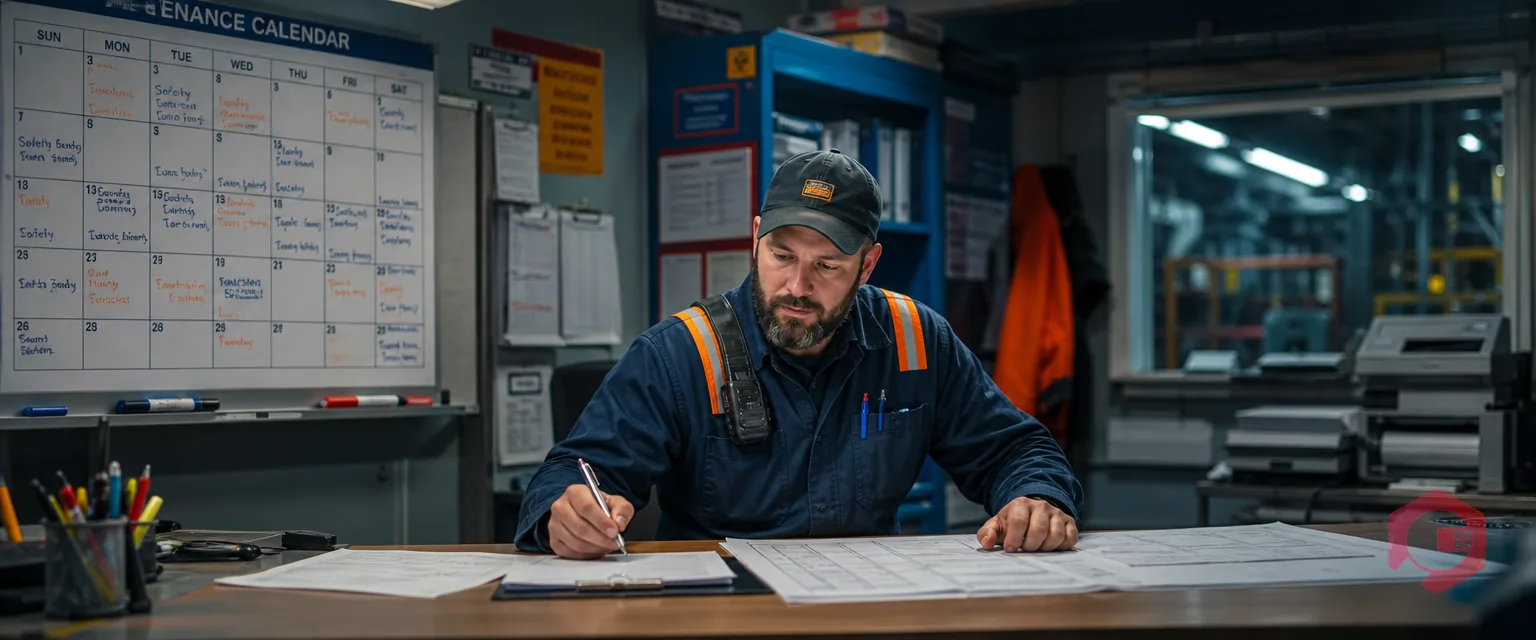
Technician compliance tracking in Cryotos gives maintenance managers a real-time view of every individual's performance — how many work orders they've been assigned, how many they've raised, how many they've completed, whether they've finished their checklists, and exactly how long each task took. Instead of chasing down status updates or running manual reports, your entire team's compliance data lives in one dashboard.
Most CMMS platforms tell you what got done. Cryotos goes further: it tells you who did it, how fast, and whether every step of the checklist was followed. That distinction matters when you're managing compliance for audits, performance reviews, or simply trying to understand where your bottlenecks are. This guide walks through exactly how Cryotos tracks individuals across work orders and checklists — and how the compliance metrics are calculated from raised-vs-completed ratios and resolution times.
Technician compliance tracking is the process of measuring whether individual maintenance workers are completing their assigned tasks — work orders, checklists, and inspections — within the expected time and to the required standard. In a CMMS (Computerized Maintenance Management System), this tracking happens automatically every time a work order changes status or a checklist item is checked off.
The core metrics most maintenance teams care about fall into three buckets: assignment compliance (was the task accepted and started?), completion compliance (was it finished before the deadline?), and quality compliance (were all checklist steps completed?). Cryotos captures all three and ties them to the individual — not just the team or the asset.
Team-level completion rates hide the real story. A team might show 85% work order completion, but if one technician is closing 100% of tasks on time and another is consistently overdue, the average obscures both the top performer and the problem. Individual tracking surfaces this gap — and gives managers the data they need to coach, reassign, or reward people based on evidence rather than gut feel.
When a technician logs into Cryotos — whether on the web portal or the mobile app — their dashboard is personalized to their role. They see only their assigned work orders, their active checklists, and their own performance metrics. Managers get a wider lens: they can drill into any individual's dashboard from the team view, compare technicians side by side, or export a report for a specific person and date range.
The individual dashboard is built around four live counters that update in real time: Work Orders Assigned, Work Orders Raised, Work Orders Completed, and Checklists Completed. Each counter links to a filtered list view — so tapping "Assigned" shows every open task with its priority, asset, and due date.
The top section of each technician's dashboard gives a snapshot of their current workload and historical compliance. Here's what each panel covers:
Cryotos distinguishes between two types of work orders at the technician level: those that were assigned to them by a manager or a PM schedule, and those that the technician raised themselves in response to something they found in the field. Both types are tracked separately because they tell different stories about workload and initiative.
Assigned work orders reflect planned maintenance and manager-directed tasks. They come with a due date, priority level, and often a checklist. The technician's job is to acknowledge, work through, and close them within the defined SLA. Raised work orders, on the other hand, are reactive — a technician spots a failing belt, scans the asset's QR code, and logs a corrective request on the spot. Cryotos logs the originator automatically, so the system always knows who raised what.
Every time a work order is assigned to a technician, Cryotos creates a timestamped record that includes the assigning manager's name, the asset, the priority, and the expected completion window. The technician's "Assigned" counter increments immediately.
Checklists in Cryotos are attached directly to work orders — either as part of a preventive maintenance template or added manually when creating a corrective task. When a work order is assigned to a technician, any checklists linked to it become their responsibility. Cryotos tracks checklist compliance at the individual level: how many checklist items were assigned to this person, and how many did they actually complete before closing the work order?
This is where a lot of CMMS platforms fall short. It's common for technicians to close a work order without completing every checklist item — either because the checklist was too long, steps were skipped under time pressure, or the system didn't enforce completion. Cryotos addresses this by surfacing incomplete checklist items as a compliance gap in the technician's dashboard, separate from the work order completion rate.
The checklist compliance metric for each technician is calculated as the percentage of required checklist items completed across all their closed work orders in the selected time period. A technician who closes 10 work orders, each with a 10-item checklist, has a possible 100 checklist completions. If they complete 90 of them, their checklist compliance rate is 90%.
The raised-vs-completed compliance ratio is one of the most useful individual metrics in Cryotos. It compares the total number of work orders a technician has in their name — either assigned to them or raised by them — against the number they've actually closed. A technician with 40 work orders in their history and 38 closed has a 95% compliance rate. One with 40 work orders and only 30 closed is at 75%.
Cryotos calculates this ratio dynamically based on your selected date range — current month, last 30 days, quarter, or custom range. The ratio is displayed as both a percentage and a raw count (e.g., "38/40 completed") so you can see the volume context, not just the rate.
The compliance ratio needs to be read in context. Work orders that are currently open and not yet overdue don't count against a technician — only those that are overdue or closed count toward the denominator for on-time compliance. Cryotos separates "completed on time," "completed late," and "open/overdue" so you can see the breakdown, not just the top-line number.
Resolution time is the gap between when a work order was assigned (or acknowledged) and when it was closed. Cryotos tracks this automatically for every work order and aggregates it at the individual technician level. The result is an average resolution time per technician — broken down by work order type, asset category, or priority level if you need that granularity.
This metric is especially valuable for identifying outliers. If the team average for a routine PM check is 45 minutes but one technician consistently takes 90 minutes for the same task, that's a signal worth investigating — it could mean training gaps, tool access issues, or that the task scope isn't clear.
Cryotos starts the clock when a work order is assigned — not when it's opened or acknowledged. This gives a true measure of elapsed time that includes any delay between assignment and start. The clock stops when the work order status is set to "Completed" or "Closed."
The individual compliance data Cryotos captures isn't just useful for day-to-day management — it's the foundation for structured performance reviews and regulatory audits. When you need to demonstrate that specific maintenance activities were carried out by qualified individuals, on schedule, with all required checklist steps completed, Cryotos can produce that evidence in minutes rather than hours of manual report-pulling.
For performance reviews, managers can pull a technician's compliance summary for any time period — showing total work orders assigned, completed on time, completed late, compliance ratio, average resolution time, and checklist adherence rate. This replaces subjective impressions with data-backed conversations.
From a compliance and regulatory standpoint, Cryotos maintains a full, tamper-evident audit trail at the individual level. Every action — status change, checklist sign-off, note added, file uploaded — is logged with the user ID, timestamp, and any before/after change data.
Getting individual compliance tracking working in Cryotos is straightforward — most of the data collection happens automatically once your work orders, technicians, and checklists are configured. There are a few setup steps that determine how granular and useful your tracking will be from day one.
Every technician needs their own user account in Cryotos with their role, skill set, and team assignment defined. This ensures that when work orders are assigned or raised, they're tied to a specific person — not a shared account or a team queue. Role-level access control means each technician only sees their own tasks and performance data, while managers see the full team view.
For compliance tracking to capture checklist data, checklists need to be linked to your preventive maintenance templates and corrective work order types. Cryotos supports checklist import via Excel or OCR — so existing paper-based checklists can be digitized in bulk. Mark time-sensitive or safety-critical items as mandatory so the system enforces completion before closure.
Resolution time tracking is only meaningful when it's measured against a target. In Cryotos, you can set expected completion windows by work order priority level and type. Once targets are set, the dashboard automatically flags overdue work orders in red and calculates on-time vs. late completion rates at the individual level.
Managers can customise which metrics appear on the team compliance dashboard — choosing to show raised vs. completed ratios, checklist adherence, resolution time, or all three. The Cryotos BI dashboard supports drill-down from the team level to the individual level, and from the individual level to specific work orders. Scheduled reports can be set up to deliver each technician's compliance summary to their manager's inbox daily or weekly.
Every work order in Cryotos has two distinct fields: the assignee (the person responsible for completing it) and the originator (the person who created it). When a manager assigns a task, the originator is the manager and the assignee is the technician. When a technician creates a work order from the field, they are both the originator and the initial assignee. The individual dashboard tracks both counts separately.
Yes. Each technician's personal dashboard displays their own compliance metrics — work orders assigned, raised, completed, checklist completion rate, and average resolution time — in real time. Giving technicians visibility into their own data drives self-accountability: people tend to close tasks faster and complete checklists more thoroughly when they can see their own numbers.
When a work order is reassigned, Cryotos creates a reassignment log entry with a timestamp. The original assignee's metrics reflect the time the work order was in their queue — including any overdue time that accumulated before reassignment. The new assignee's clock starts from when it was reassigned to them.
Yes — Cryotos maintains separate counters for work order completion and checklist completion at the individual level. A technician can have a 100% work order completion rate and a 78% checklist compliance rate if they're consistently skipping checklist steps before closing tasks. The dashboard displays both metrics independently and flags the gap.
Cryotos can export individual technician compliance reports as PDF or CSV, filtered by date range, work order type, asset, or priority level. Each exported report includes every work order in scope with its assignment timestamp, completion timestamp, compliance status, checklist sign-offs, and the technician's digital signature where applicable.

If you're ready to replace manual tracking and spreadsheet-based compliance reviews with real-time individual performance data, Cryotos CMMS gives you everything you need — from the individual technician dashboard through to audit-ready compliance exports. Book a free demo today and see how your team's compliance data looks when it's all in one place.
Cryotos AI predicts failures, automates work orders, and simplifies maintenance—before problems slow you down.