

CMMS workflows for appliance repair teams compress the time between a breakdown report and a completed fix — turning what used to be a half-day scramble into a structured, repeatable process that resolves most jobs within two hours. A Computerized Maintenance Management System (CMMS) gives appliance repair teams a single platform to receive breakdown alerts, create work orders, dispatch technicians, check parts inventory, and close jobs — all without phone calls or spreadsheets slowing the chain down.
When a customer reports a broken refrigerator, washing machine, or commercial oven, every minute of delay costs money and goodwill. According to a McKinsey report on maintenance operations, companies that digitize maintenance workflows reduce response times by up to 30% and cut repeat service calls significantly. Yet most appliance repair teams still rely on phone dispatch, WhatsApp groups, and paper job cards — all of which introduce delays and errors.
This guide walks you through a step-by-step CMMS workflow built specifically for appliance repair teams. You'll get a proven 2-hour repair process, the CMMS features that make it possible, and a performance checklist you can hand directly to your operations lead.

A CMMS workflow for appliance repair is a digitally managed sequence of steps — from breakdown notification through technician dispatch, diagnosis, parts sourcing, repair, and job closure — all tracked and automated inside a single software platform. The goal is to eliminate the manual handoffs and communication gaps that turn a 90-minute repair into a 5-hour ordeal.
The four core stages of any appliance repair CMMS workflow are:
This structure gives team leaders real-time visibility into every open job, and it gives technicians everything they need without calling back to the office.

Most appliance repair operations that haven't adopted a CMMS run on a patchwork of phone calls, WhatsApp threads, and Excel sheets. The result is predictable: technicians arrive at jobs without the right parts, SLAs get missed, and customers call back with the same problem a week later.
Without a system that tracks job status in real time, it's nearly impossible to know which jobs are on track and which are about to breach their service-level agreement. A supervisor managing 15 technicians via phone calls can't spot a problem until it's already a complaint. The industry average first-time fix rate for appliance service sits around 75% — meaning one in four jobs requires a repeat visit. A CMMS with proper parts tracking and job history access can push that above 90%.
The most common reason an appliance repair drags past two hours isn't technician skill — it's parts. When a technician has to call the warehouse, wait for someone to check a shelf, and then drive back for a missing component, the job blows out by hours. A CMMS with live inventory management lets technicians check parts availability on their phone before they leave the depot — and automatically triggers a reorder when stock drops below the minimum threshold.

Here's the exact CMMS workflow your appliance repair team should follow to hit a 2-hour resolution target consistently. Each step below maps to a specific CMMS action — so this isn't a conceptual framework, it's an executable process.
The customer scans a QR code on the appliance, fills out a short fault report on their phone, or calls a support line that feeds directly into the CMMS. The system creates a work order immediately — no manual data entry required. The work order captures the appliance model, fault description, customer location, and time of report. An automatic notification goes to the dispatch team or supervisor.
With Cryotos, a technician or customer can also photograph the fault and submit it via the work order management software — the AI analyzes the image and pre-populates the fault category, saving the intake team several minutes on every job.
The CMMS assigns the work order to the best-available technician based on proximity, current job load, and relevant skill tag (e.g., "refrigeration-certified" or "commercial-oven"). The technician receives the job alert on their mobile app with all the details: appliance history, fault description, customer address, and parts likely needed based on fault type.
Dispatch decisions that used to take 10 minutes of phone calls happen in under 60 seconds. The customer also gets an SMS or WhatsApp notification confirming the technician's name and estimated arrival.
The technician arrives, scans the appliance's QR or NFC tag, and pulls up its full service history — previous faults, parts replaced, warranty status, and any known recurring issues. This context alone cuts diagnosis time by 30–40% compared to starting blind.
Before starting the repair, the technician checks parts inventory directly in the CMMS mobile app. If the required part is in their van stock, they proceed immediately. If it's not, the CMMS shows the nearest warehouse location with the part in stock — and the system can raise an urgent parts request that gets fulfilled while the technician begins any repair prep work they can do without the part.
The technician follows the job checklist in the CMMS app — specific to the appliance type and fault category. Checklists eliminate guesswork and ensure every safety step is documented. Parts used are logged against the work order in real time, which automatically deducts them from inventory and flags a reorder if stock hits the minimum level.
If the technician hits an unexpected complication — a fault that requires specialist input — they can open the in-app chat within the work order and message a senior tech or supervisor directly. No need to step out and make a call. The conversation becomes part of the permanent job record.
Once the repair is complete, the technician uploads a photo of the finished work, logs the resolution notes, and collects the customer's digital signature in the CMMS app. The system closes the work order, updates the appliance maintenance history, triggers a customer satisfaction notification, and updates all KPI dashboards — MTTR, first-time fix rate, and technician utilization — automatically.
No paper. No follow-up calls to the office to "log the job." The entire chain from breakdown report to closed record takes under two hours when every step runs through the CMMS.

Not every CMMS is built for field-based appliance repair work. These are the specific features that make the 2-hour workflow achievable in practice.
Instead of manually typing fault descriptions, technicians or customers can submit a photo or voice note. The CMMS uses AI to classify the fault, suggest the likely repair category, and pre-fill the work order fields. This cuts intake time from 5 minutes to under 60 seconds and improves fault categorization accuracy — which matters when you're pulling historical data to spot recurring issues.
The repair can only move as fast as the parts. A CMMS with live inventory tracking lets technicians see exactly what's in their van, the depot, and other field locations — before they commit to a repair timeline. When a part is used, inventory deducts automatically. When stock drops below minimum, a reorder triggers without anyone having to remember to check. According to the Plant Engineering maintenance inventory guide, teams with integrated CMMS inventory systems reduce parts-related delays by up to 40%.
Your technicians spend their day in the field, not at a desk. A CMMS with a full-featured mobile app means they can receive jobs, check histories, log parts, communicate with the team, and close work orders from their phone — with or without internet connectivity. Offline mode syncs everything back to the server the moment the technician gets back in range. This matters in basement utility rooms, large commercial kitchens, and any location with poor signal.
Set your 2-hour SLA inside the CMMS and it becomes an automated checkpoint. At the 60-minute mark, the supervisor gets a notification on any job that hasn't progressed to the repair stage. At 90 minutes, an escalation alert goes to the team lead. These automated nudges replace the manual "how's that job going?" check-ins that consume supervisor time and still miss breaches. Downtime tracking integrates directly — so every SLA breach is captured in your KPI reports, not buried in a chat thread.

A CMMS doesn't just speed up repairs — it gives you the data to prove it and spot where things break down. These are the three KPIs every appliance repair manager should track weekly.
MTTR measures the average time from breakdown report to job closure. For appliance repair, a target MTTR of under 2 hours is achievable for most standard faults with a well-configured CMMS. Track it by technician, by appliance type, and by fault category to find the specific bottlenecks pulling your average up. According to ISO 55000 asset management standards, MTTR is one of the key metrics for evaluating maintenance organization effectiveness.
This is the percentage of jobs resolved on the first visit without a return call for the same fault. A first-time fix rate below 80% usually points to one of two problems: technicians arriving without the right parts, or incorrect fault diagnosis on the first visit. Both are fixable with better appliance history access and pre-visit parts confirmation — both of which a CMMS handles automatically.
Utilization measures how much of each technician's working day is spent on billable repair work versus travel, admin, and waiting. Most manual operations run at 55–65% utilization. Teams using a CMMS for smart dispatch and pre-loaded job information typically reach 75–85%. That difference translates directly to more jobs completed per day without adding headcount.
Use this checklist to verify your CMMS setup supports the 2-hour repair target. If any item is missing, it's a gap in your workflow that will slow jobs down.
Appliance repair teams need mobile-first work order management, real-time inventory lookup, smart dispatch based on technician location and skills, appliance service history access via QR or NFC scan, and SLA tracking with automated escalation alerts. These features directly address the most common causes of slow repairs: wrong parts, poor dispatch, and lack of appliance context on arrival.
A CMMS reduces repair time by automating the steps between breakdown and fix that currently rely on phone calls, manual checks, and paper forms. Work orders generate automatically from breakdown reports. Dispatch happens in seconds based on system data. Technicians arrive with the full appliance history on their phone. Parts are confirmed before they leave the depot. Each of these changes cuts minutes from a process that currently bleeds time at every handoff.
Yes — a CMMS with integrated inventory management tracks parts across the warehouse, service vehicles, and field locations in real time. When a technician logs a part against a work order, the system deducts it from stock automatically and triggers a reorder when levels fall below the minimum threshold. This eliminates both stockouts (which stall repairs) and overstock (which ties up capital).
For standard residential appliance repairs, a target MTTR of 90–120 minutes is achievable for teams running a CMMS. Commercial appliance repair MTTR typically runs 2–4 hours depending on complexity. Teams without a CMMS often see MTTR of 4–8 hours due to dispatch delays, parts availability issues, and manual job logging. Tracking MTTR weekly in your CMMS lets you spot trends and address bottlenecks before they become SLA violations.
Yes — modern CMMS platforms scale from solo technicians to large field service organizations. For a small team of 3–10 technicians, the biggest gains come from replacing phone-based dispatch with mobile work orders, and from knowing which parts are in each van before jobs are assigned. Even a basic CMMS configuration delivers measurable MTTR improvements within the first 30 days of use.
If your appliance repair team is still managing breakdowns through phone calls and spreadsheets, you're leaving time — and revenue — on the table with every job. Cryotos CMMS gives appliance repair teams the complete workflow platform: AI-powered work order creation, real-time inventory, smart mobile dispatch, SLA tracking, and automatic KPI reporting — all in one system built for teams that need to move fast. Teams using Cryotos report a 25% reduction in average repair time and a 30% drop in repeat service calls within the first quarter. Book a demo to see the 2-hour workflow in action with your team's data.



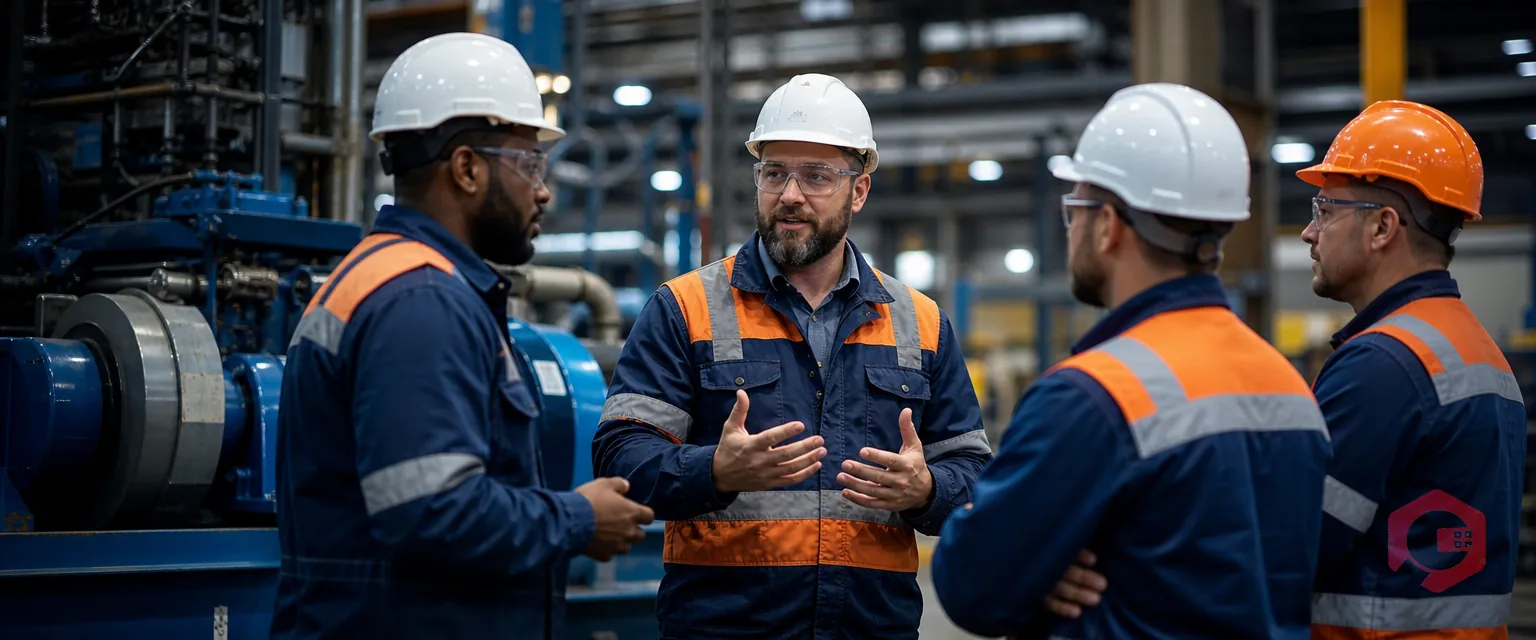
Cryotos AI predicts failures, automates work orders, and simplifies maintenance—before problems slow you down.



