
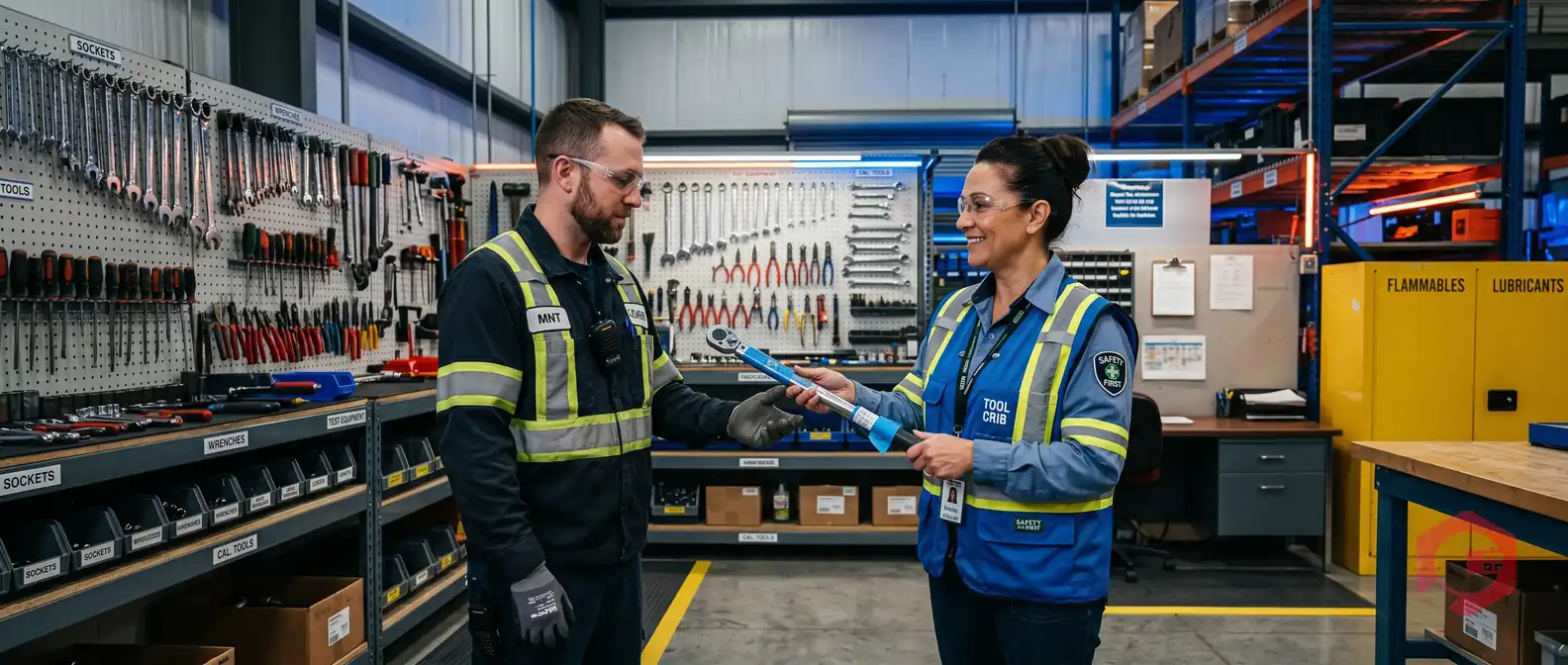
Tools management software is a module within a CMMS that gives maintenance teams a single system to track every tool — where it is, who has it, how much it cost, and when it needs servicing. Without it, tools go missing, AMC dates get missed, and supervisors spend hours chasing down equipment that should be on the shop floor. With it, every tool has a clear, auditable history from the moment it's purchased to the day it's retired.
According to industry surveys, unplanned downtime caused by unavailable or misplaced tools costs manufacturing facilities an average of $250,000 per hour. A structured tools management system eliminates this blind spot entirely.
In this guide, you'll see exactly how Cryotos CMMS tools management works — for both the technician on the floor and the supervisor managing the full asset pool.
Tools management in a CMMS is the process of recording, tracking, and controlling every physical tool in your maintenance operation — from hand tools and calibration equipment to heavy machinery attachments and specialized testing devices. Rather than relying on a clipboard, spreadsheet, or a shared drive, the entire lifecycle of each tool lives in one place.
Cryotos tools management covers six core areas:
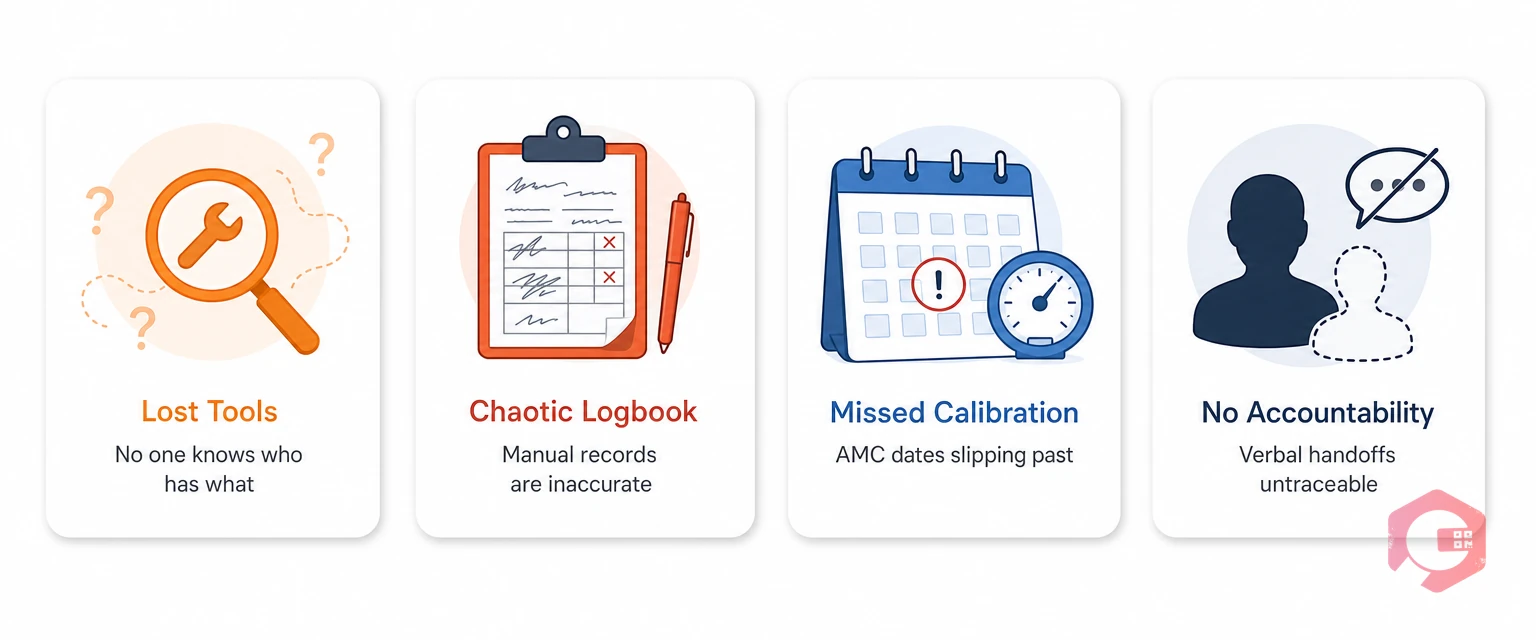
One of the most common pain points in any maintenance department is the informal tool handoff — a technician borrows a torque wrench, passes it to a colleague mid-job, and no one can find it the next morning. Cryotos eliminates this with a formal lending and transfer workflow that takes under 30 seconds to complete from a mobile device.
When a technician needs a tool, they raise a lending request directly from the Cryotos mobile app. The request captures the tool name, the work order it's linked to, the expected return date, and the current condition. The supervisor or storekeeper receives the request instantly and approves or declines with one tap.
Once approved, the tool's status changes from Available to In Use and the dashboard reflects this in real time. When the technician returns the tool, they log the return condition — whether it came back intact, damaged, or missing a component — and the record updates automatically.
If a tool needs to move from one technician to another without going back to the store, Cryotos handles this with a transfer request. The receiving technician accepts the transfer on their mobile app, creating a clean chain of custody. No more verbal handoffs that leave supervisors guessing who has a piece of equipment.

The Cryotos tools dashboard gives supervisors a live view of the entire tool inventory without having to walk the floor. The dashboard organizes tools by status — Available, In Use, Under Maintenance, or Retired — and allows filtering by department, location, tool category, or technician.
Key metrics visible on the dashboard include:
For operations that span multiple sites, the dashboard aggregates data across all locations so a central maintenance manager can monitor tool health across the entire organization without switching between systems.
Every action taken on a tool in Cryotos is automatically recorded in an immutable audit log. This isn't just useful for compliance — it's essential for accountability and root cause analysis when a tool fails or goes missing.
The audit trail for each tool records who created the tool record, every lending and return event with timestamps, all transfer events and their approvals, any condition changes noted at return, maintenance and calibration events, and any edits to the tool's record including who made them and when.
This level of detail is particularly valuable in regulated industries like pharmaceuticals, food processing, or aerospace, where tool calibration records must be audit-ready at any time.
Each tool record in Cryotos supports unlimited file attachments. Supervisors and storeroom managers can upload calibration certificates, purchase invoices, operating manuals, inspection photos, and warranty documents directly to the tool's profile. When an auditor asks for the calibration history on a specific instrument, the entire documentation package is available in seconds — no filing cabinets, no lost paperwork.

Annual Maintenance Contracts for specialized tools and equipment are easy to lose track of — especially when AMC dates are scattered across different spreadsheets and email threads. Cryotos centralizes all AMC information in the tool record and sends automated alerts before contracts expire.
For each tool, you can record the AMC start and end dates, the vendor name and contact details, the contract value, and the scope of services covered. Cryotos sends configurable reminder alerts at 90, 60, and 30 days before expiry, giving the procurement team enough lead time to negotiate renewals without scrambling at the last minute.
Beyond AMC, the preventive maintenance scheduler can be linked to individual tools. If a hydraulic torque tool requires calibration every six months or a pressure gauge needs quarterly inspection, those schedules are set once and automatically generate work orders when the due date approaches. Technicians and supervisors get notified, and the calibration event is logged to the tool's audit trail.
Most maintenance teams have no clear picture of what their tools actually cost over their lifetime. The purchase price is recorded somewhere, but repair costs, AMC fees, calibration charges, and replacement costs are scattered across accounts payable, email, and spreadsheets. Cryotos consolidates all of this into the tool's financial profile.
When a tool is first added to Cryotos, the purchase record captures the original purchase price, vendor name, purchase order number, purchase date, warranty expiry date, and any lead time notes for future reordering. This makes reordering straightforward — the procurement team can see the original vendor and price without digging through old emails.
Every maintenance event, repair, and AMC renewal is attached to the tool's cost history, building an accurate total cost of ownership profile over time. Supervisors can run cost reports by tool type, department, or vendor to identify which categories of tools are consuming disproportionate maintenance budgets. This data drives smarter purchasing decisions — replacing a cheap tool that breaks repeatedly with a higher-quality alternative that costs less over its lifetime.
When combined with asset management data, these cost profiles help maintenance managers build evidence-based cases for capital expenditure requests during budget cycles.
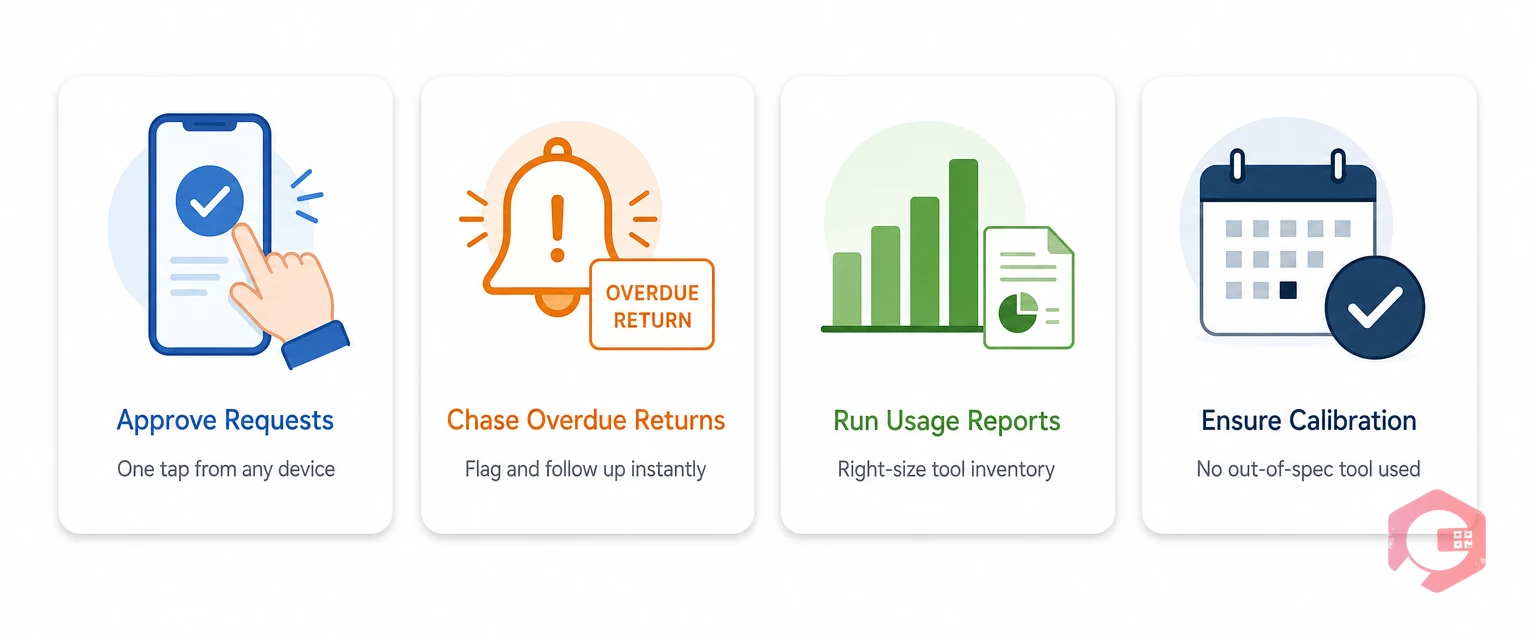
For supervisors, the tools management module shifts the job from reactive firefighting to proactive oversight. Instead of fielding questions like "where is the calibrated pressure gauge?" or "who was the last person to use that wrench?", supervisors can answer those questions themselves in under 10 seconds from any device.
Supervisors use the module to approve or decline tool lending requests without leaving the office, review overdue returns and follow up directly with technicians through the Cryotos communication module, run monthly utilization reports to right-size the tool inventory (eliminating tools that are never used), and ensure all tools requiring calibration are serviced on schedule before an audit or inspection.
The result is a maintenance department where tools are where they should be, costs are visible and controlled, and every tool has a documented history that satisfies both internal governance and external regulatory requirements.
If your team is still managing tools through a whiteboard, shared spreadsheet, or a manual logbook, Cryotos tools management gives you a purpose-built system that works the way your maintenance team actually operates — from the storeroom to the floor to the supervisor's dashboard. Explore Cryotos CMMS and see how tools management integrates with work orders, preventive maintenance, and inventory to give your operation a complete picture of every resource it depends on.
Tools management in a CMMS is a module that tracks the complete lifecycle of every maintenance tool — including who borrows it, where it's located, when it needs calibration, what it cost to purchase, and its AMC or warranty status. It replaces manual logbooks and spreadsheets with a centralized, real-time system accessible from desktop and mobile.
Technicians can request tools directly from their mobile app, see which tools are available before walking to the storeroom, and transfer tools to colleagues with a digital record rather than a verbal handoff. This reduces time wasted searching for equipment and ensures accountability for every tool issued to them.
Yes. Cryotos allows you to set calibration schedules and AMC renewal dates for each tool. The system generates automated alerts well in advance of the due date, ensuring that no contract lapses and no tool is used in an out-of-calibration state.
You can attach any file type — calibration certificates, purchase invoices, operating manuals, inspection photos, warranty documents, and vendor contracts. All attachments are tied to the tool's audit log, so there's a clear record of when each document was uploaded and by whom.
When a technician creates or accepts a work order in Cryotos, they can link specific tools to that work order. This creates a direct connection between tool usage and job history, making it easy to track which tools are used most on high-frequency maintenance tasks and plan inventory accordingly.



Cryotos AI predicts failures, automates work orders, and simplifies maintenance—before problems slow you down.



