

Imagine this scenario: A critical conveyor belt on Line 3 stops running. The production manager is shouting for updates. I heard a petition had been presented a week or two ago-no; I think it was the previous week--of this belt. You start scrolling email history logs, rummaging a stack of paperwork on your desk and checking an email spreadsheet you share.
It feels like searching for a needle in a haystack while the barn is burning down.
This "firefighting" mode is where many maintenance teams live. You spend more time hunting for information than actually fixing assets. But there is a shift happening in the industry. Efficient operations are moving from this chaotic reactive state to a "Control Tower" mindset.
A Computerized Maintenance Management System (CMMS) such as Cryotos alters this. It halts the digging and begins the fixing, and a wild 30-minute search into a 3-second query.
To understand how easy management can be, we have to look at what we are actually managing.
A modern work order isn't just a digital version of a paper ticket. It is a trackable data point. It has a birth (creation), a life (processing/parts usage), and a legacy (history/audit trail). When you manage this digitally, you aren't just logging out a task; you are building a knowledge base.
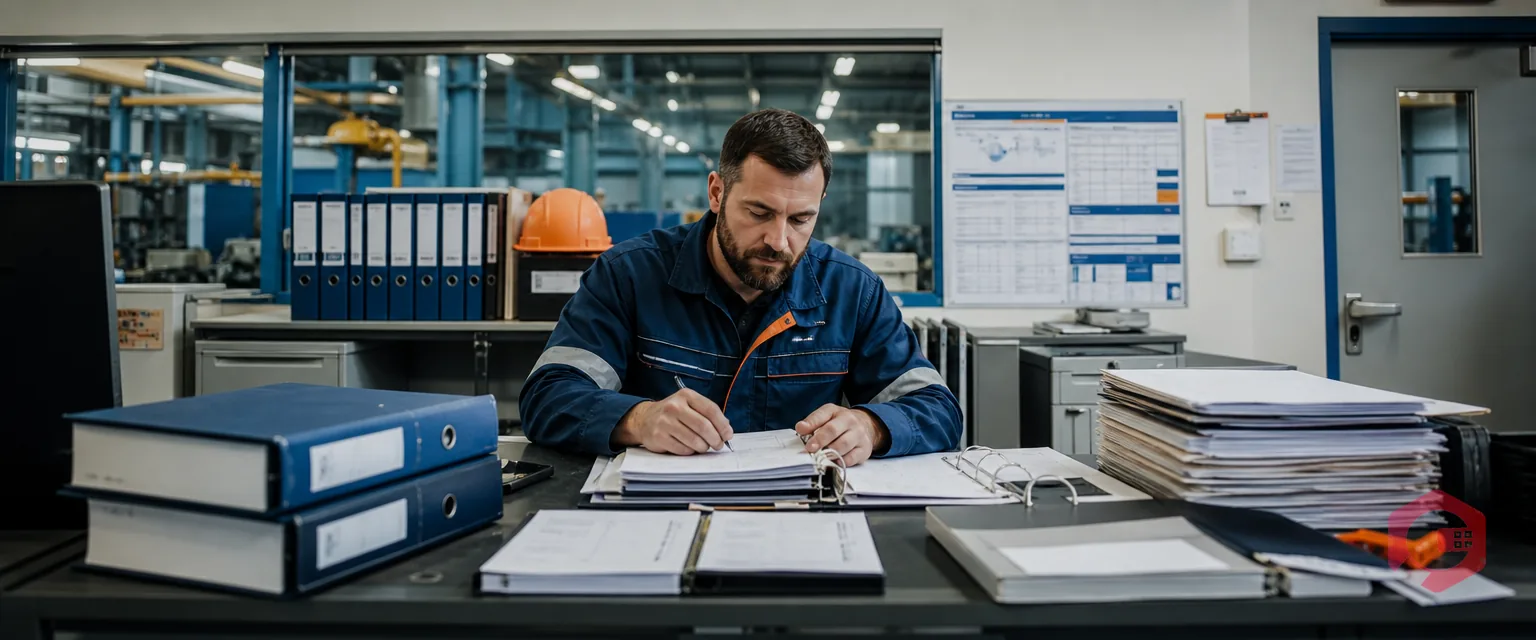
Plant heads love metrics. But you cannot track Mean Time To Repair (MTTR) or budget adherence if half your work orders are "ghosts"-verbal requests or sticky notes that never made it into the system. Findability is the backbone of compliance and budget tracking.
The Challenges Most teams struggle with three things:
With a modern maintenance system, the workflow shifts from memory-based chaos to data-based precision. Here is how easy the process becomes:
The most effective way to deal with a work order is to enter it right the first time and no data is lost in the intake process.
You do not have to manually triage each and every request when smart logic can be used to perform the routine lifting.
This is the magic point in which digging information is substituted with finding.
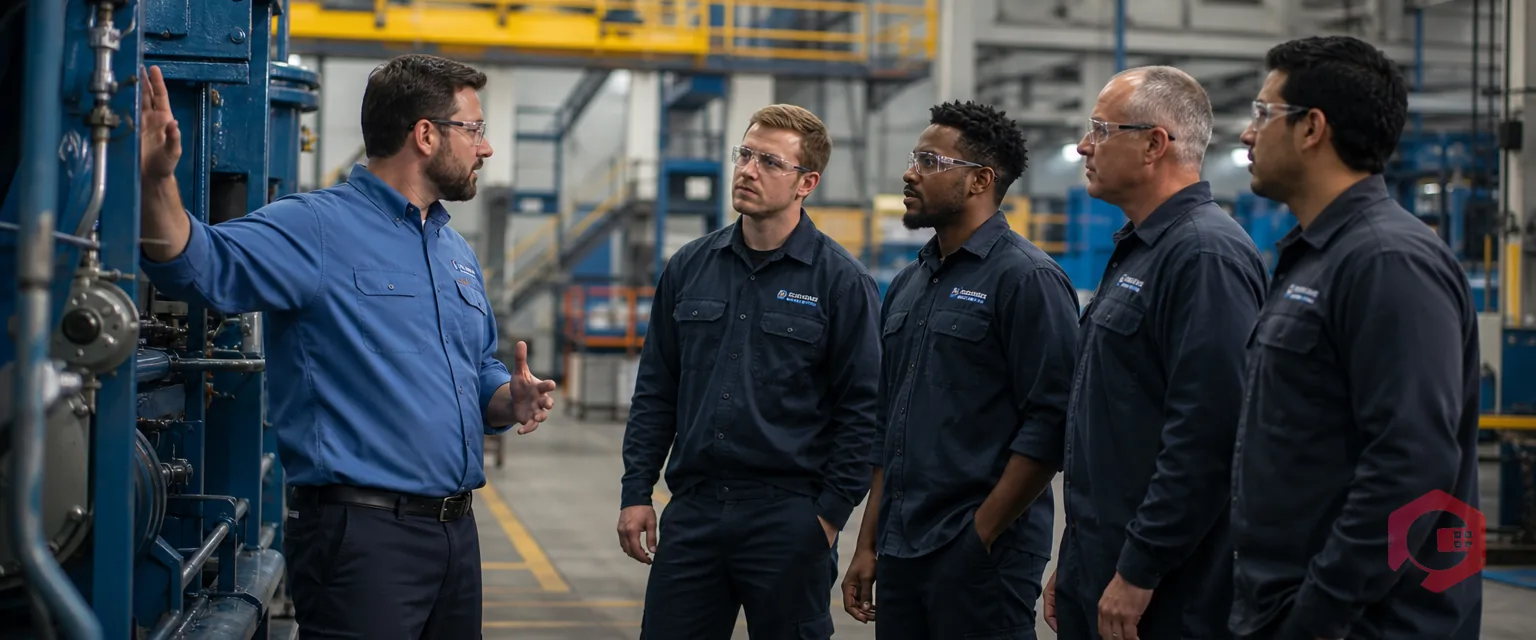
The work order field-side can be properly handled by the technicians bridging the gap between the fields and the office.
If software exists, why is it still hard for some teams? Usually, it comes down to three operational mistakes:
1. Overloading the Intake Form Requiring 20 fields to report a leaky pipe causes resistance. If it takes too long to report a problem, people won't do it. Smart systems allow for simple requests that Admins can flesh out later.
2. Ignoring Status Definitions Clutter when you fail to define your words. Does not mean the technician is repairing it, or not that they are waiting for parts. The status definitions eliminate clogged work orders in an ambiguous gray area.
3. Neglecting Mobile Adoption Forcing technicians to return to a desktop to update data ensures your data is always laggy. Real-time management requires a mobile-first culture.
Cryotos will be created with a single purpose of resolving the Find and Manage dilemma by focusing on high-impact features:
Work order management should not seem like it is an administrative overhead to run full time; it should be an invisible component that drives your operational reliability. Having switched the fire-fighting approach that is reactive to the streamlined one that is data-driven, you will never encounter the panic of lost tickets and blind spots. You get the clarity to make wiser decisions, increase the life of assets, and more team productivity. The bottom line is that at the end of the day, it is just about spending less time searching for information and more time repairing what is important.
Are you ready to turn your maintenance chaos into a 1-click search? Discover how Cryotos makes finding, managing, and fixing effortless today.


Cryotos AI predicts failures, automates work orders, and simplifies maintenance—before problems slow you down.



