
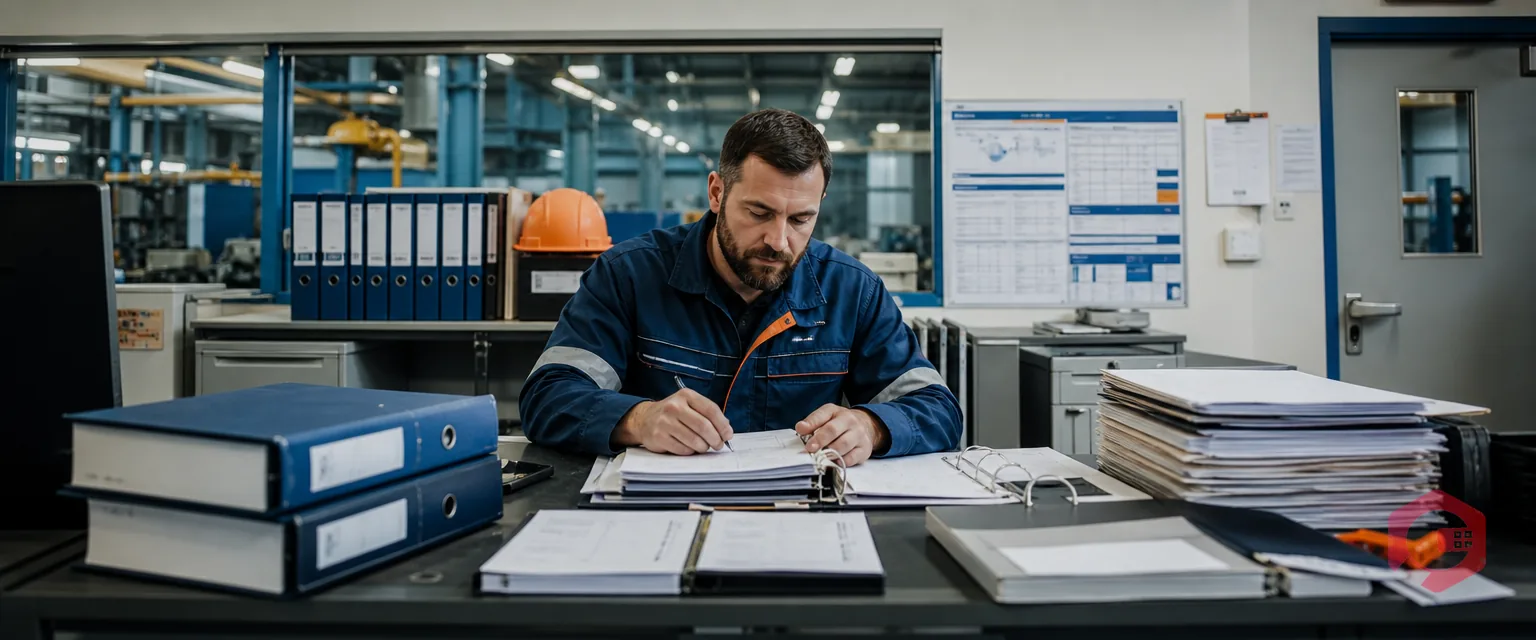
The picture of a maintenance planner has remained the same decades ago: there was a desk full of blueprints, a radio buzzing all the time, and a physical presence which was essential to each shift. The common attitude was that you could not see the asset and so you could not control it.
But the industry has shifted. Industry 4.0 and cloud technology have fundamentally transformed the situation. The issue is not whether a maintenance planner can work at home nowadays, but how well he can manage to organize processes at any corner of the world.
It is not a location-dependent undertaking anymore, but a data-driven plan; with the appropriate web-based Computerized Maintenance Management System (CMMS) maintenance planning. This is whereby the modern planners are loosening off the tether to the site office.
The functions of the maintenance planner have changed radically. We are out of the reactive firefighting era where schedules were created on paper and were run by equipment failure and into the strategic approach.
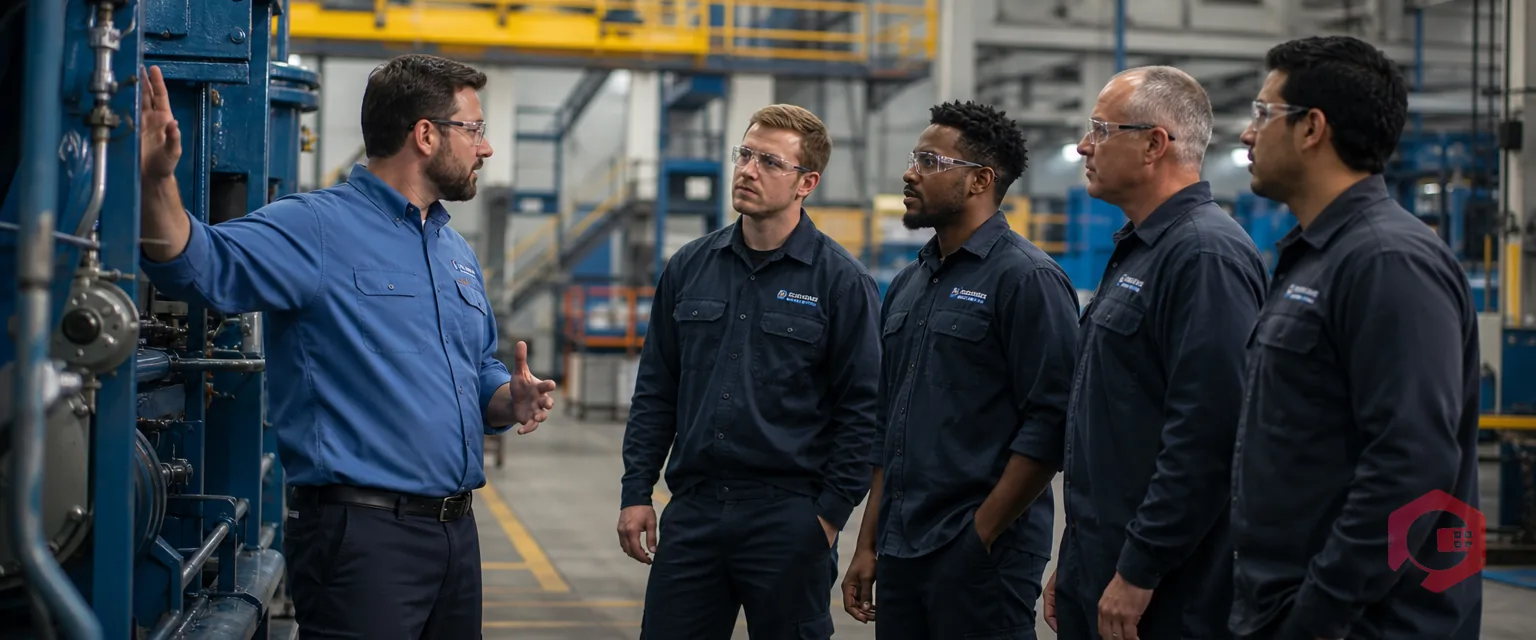
Previously, it used to have the planners tied to the facility. They used manual rounds and physical updates of technicians to know the condition of the plant. This physical addiction got bottlenecks, in that, in the absence of the planner, the schedule was not going to shift.
The contemporary planner is now more of an Air Traffic Controller. Planners now coordinate technicians, inventory, and compliance remotely the same way that there are people in the cockpit giving instructions to aircraft.
The PdM and Condition-Based Maintenance (CBM) have given rise to the idea that instead of repairing after the failure, we should intervene before the failure. With real-time information, the planners can diagnose the faults and determine the remaining useful life of the assets without going to the factory floor.
A web-based CMMS is the engine that powers remote maintenance. Unlike legacy on-premises software installed on a single desktop, cloud-based platforms are accessible via any standard web browser. This breaks the traditional tether between management and the physical site.
Here is how cloud technology facilitates this shift:
A CMMS should be able to provide more than a digital calendar to successfully switch the on-site scheduler to a remote strategist. It needs certain features which perform the physical distance:
The system must be without any device-dependence. Through mobile apps, the field technicians can become the eyes and ears of the planner, and come up with photos, change status and capture usage data which can be instantly seen by the planners dashboard.
The remote planning needs complete situational awareness. Live dashboards are used to substitute the morning meeting where real-time work order, KPI, and critical alarms status are displayed.
To remotely plan an asset, you must have knowledge of its condition without making a physical contact with it. Coupling with IoT sensors enables the CMMS to send automatic alerts whenever performance is out of the norm so that the planner could schedule maintenance according to the actual condition, not by a fixed calendar.
Advanced platforms are beginning to incorporate Digital Twins-immersive 3D visualizations of the facility. This allows remote planners to virtually inspect "as-built" conditions and check for spatial conflicts (SIMOPS) before assigning a crew.
Remote teams are not able to pass folders across a desk. These automated workflows are such that work order assignments, work order approvals and purchase requests flow very well through the system without manual hand-offs.
The largest unknowingness to organizations thinking of remote planning is the so-called Visibility Gap, which is the fear that a planner cannot effectively manage what he cannot physically perceive.
The modern technology, however, does not simply fill this gap, in many cases, it is giving a greater visibility than the naked eye.
How does the day of a remote maintenance planner look like? It is characterized by eyes-on-the-screen orchestration as opposed to walking boots-on-the-ground.
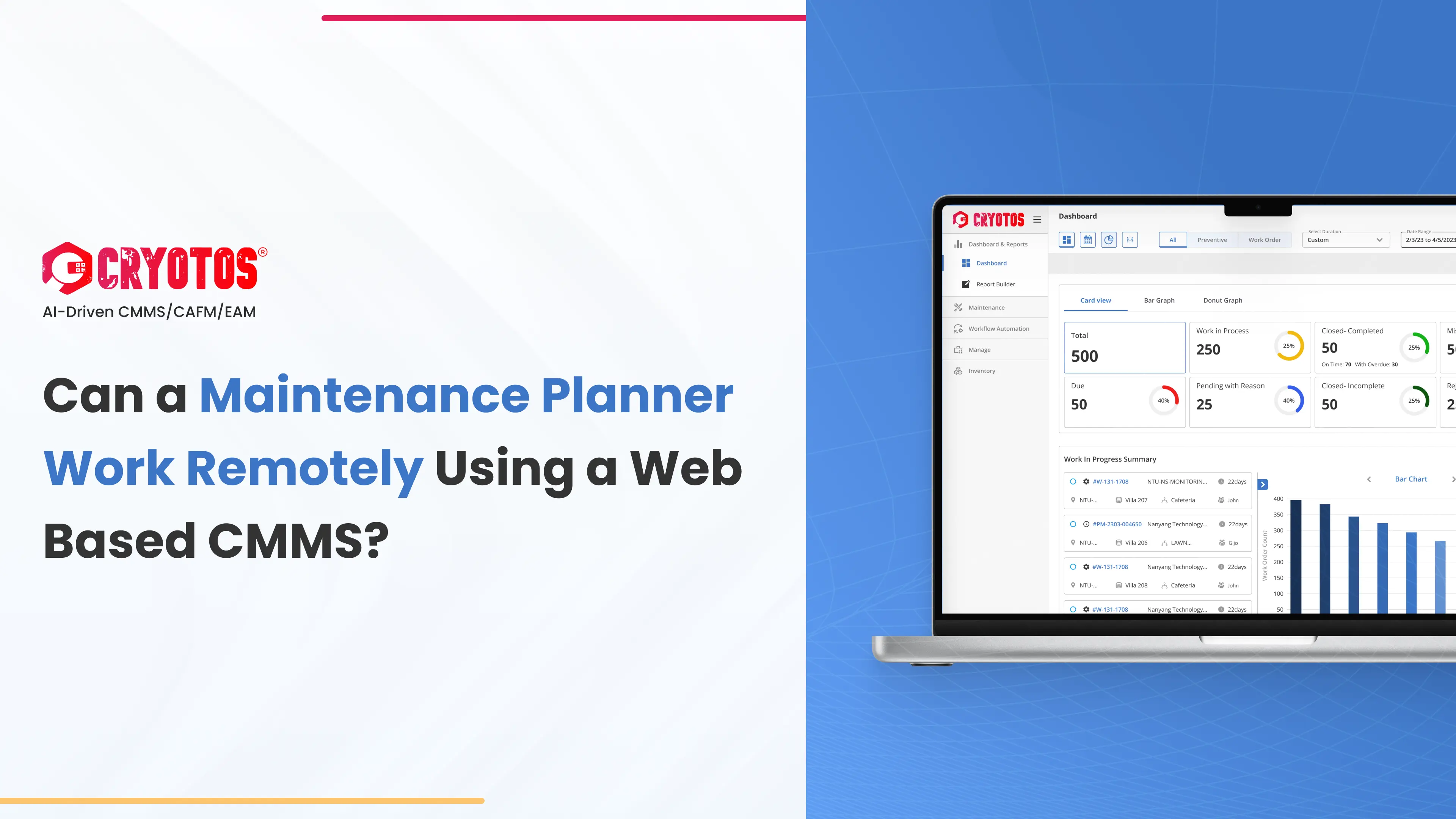
Remote maintenance planning is only as good as the software that supports it. Cryotos is built to bridge the gap between field execution and remote strategy.
The era of the desk-bound maintenance planner is over. With the power of a web-based CMMS, maintenance teams can decouple geography from productivity. Remote planning not only offers flexibility but drives efficiency by utilizing real-time data, predictive analytics, and digital collaboration.
Are you ready to empower your team to work smarter, not harder?
Ready to manage your facility from anywhere? Explore how Cryotos can centralize your maintenance data to enable seamless remote planning and protect your critical assets.


Cryotos AI predicts failures, automates work orders, and simplifies maintenance—before problems slow you down.



