

The skilled labor shortage in maintenance is draining industrial operations of millions every year. When a senior technician walks out the door for the last time, decades of asset-specific knowledge go with them — knowledge no manual fully captures and no job listing can replace. Cryotos AI solves this directly by embedding that expertise into your CMMS, so every technician can reach the right answer at the right machine, in real time.
According to Deloitte's manufacturing skills gap report, the industry could face a shortage of 2.1 million skilled workers by 2030. The gap is not just about headcount — it is about what those workers knew. Here is how Cryotos AI closes that gap before it closes your plant down.
Key Takeaways

The average maintenance technician in the US is over 55 years old, according to SMRP workforce benchmarking data. Retirements are accelerating, and most facilities are not ready for the knowledge drain that follows. The downstream effects hit fast: longer mean time to repair (MTTR), the same faults recurring on the same assets, excess spare parts spending, and newer technicians burning time searching for answers instead of fixing equipment.
A veteran technician knows exactly which bearing on Line 3 runs hot, why the hydraulic press bleeds pressure after four hours, and what fault code 47 actually means on that specific PLC — none of which appears in any textbook. When they leave without a system to capture it, that intelligence disappears entirely. The next technician assigned to the same machine starts from zero, repeating every diagnostic step the retiring veteran solved years ago.
The knowledge gap compounds over time. Each retirement strips another layer of institutional memory from the operation. Without a structured way to capture and transfer it, the facility grows more fragile with every departure — more dependent on the few experienced people still left, and more exposed when those people leave too.
Most companies try to manage the risk through shadowing programs, written SOPs, and video libraries. These methods are well-intentioned. They all break down under real operating conditions.
What maintenance teams need is a knowledge system built for the point of action — trained on specific assets, answering real questions in real time. That is exactly what Cryotos AI delivers.

Cryotos AI lets maintenance managers and senior technicians build a per-asset knowledge base directly inside the asset management module. Think of it as training a dedicated AI assistant for every critical machine in your facility — one that never retires, never forgets a repair, and never passes institutional knowledge on informally over coffee that no one writes down.
You feed Cryotos AI the information that matters most for each asset:
Once trained, this knowledge is live and linked to the asset inside Cryotos. Every technician assigned to a work order on that machine has instant access to everything the AI has learned — no tracking down a colleague, no calling a supervisor at midnight, no searching a shared drive that may or may not have the right version of the document.
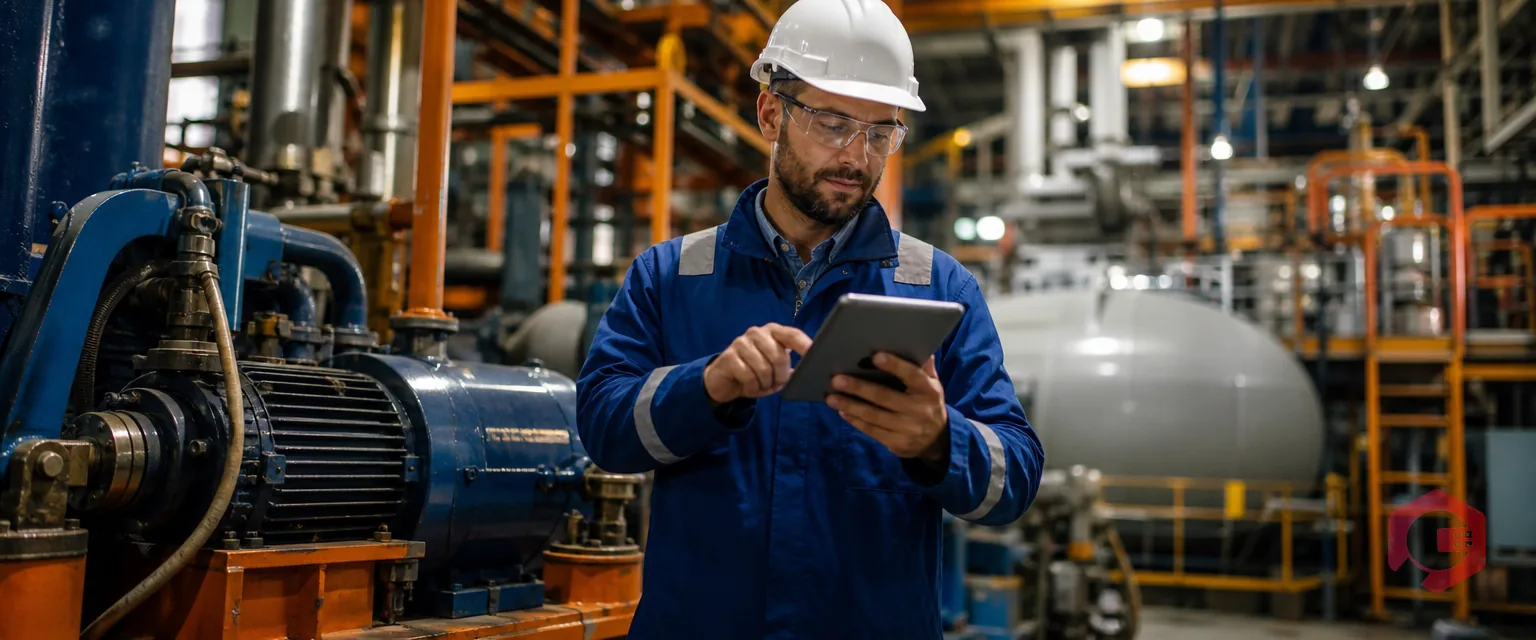
The most powerful feature is the ability to ask natural language questions during active troubleshooting — directly from the Cryotos mobile app, standing right at the machine. A technician working on an unfamiliar asset opens the work order and asks:
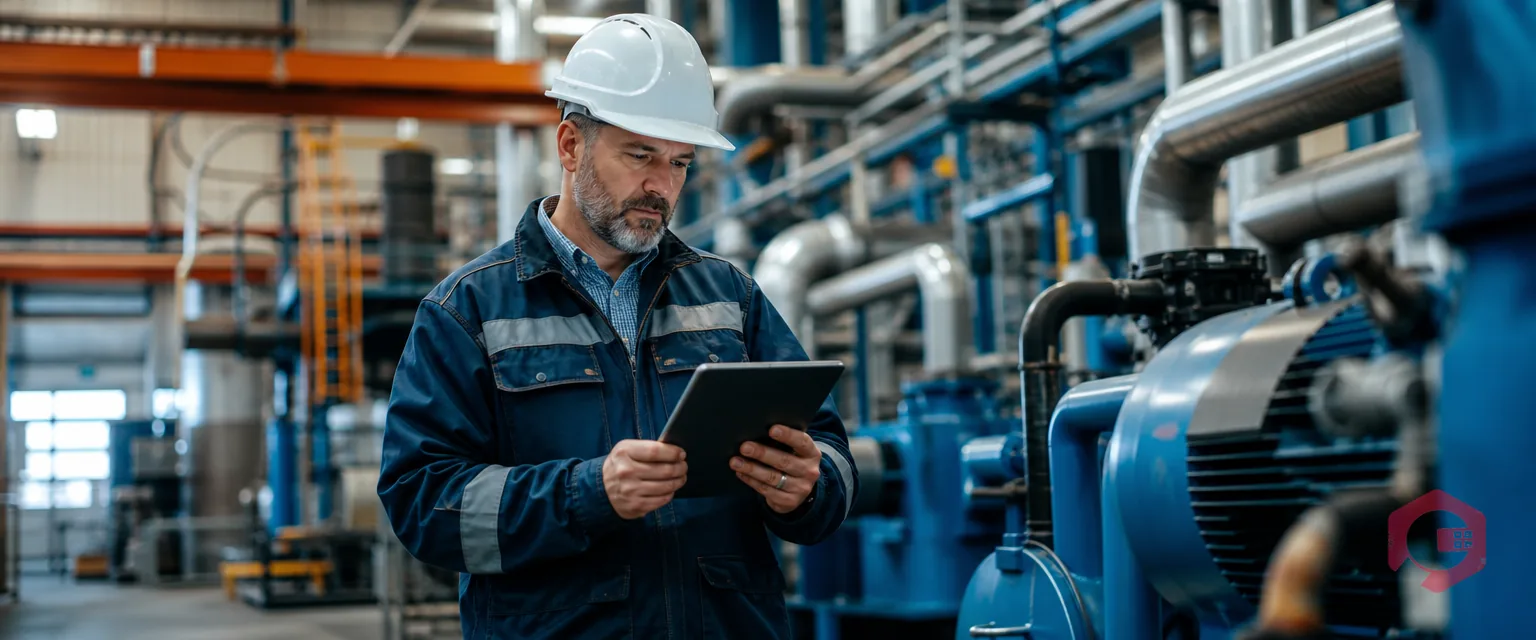
Cryotos AI draws from the trained knowledge base for that specific asset and returns a precise, contextual answer — not a generic internet result, but information grounded in your equipment, your maintenance history, and your operating environment. The technician gets the right answer in seconds and acts on it immediately without interrupting anyone.
This effectively closes the knowledge gap between a 30-year veteran and a technician who joined six months ago. Both can troubleshoot the same asset confidently because the intelligence lives in the system, not locked inside one person's memory. When that person retires, the knowledge stays.

When technicians find accurate answers quickly, the improvement cascades across every maintenance KPI. Teams using Cryotos AI-assisted troubleshooting see consistent gains in five areas:
The result is a maintenance operation that is genuinely resilient to workforce change — one that does not become more fragile every time an experienced technician moves on.
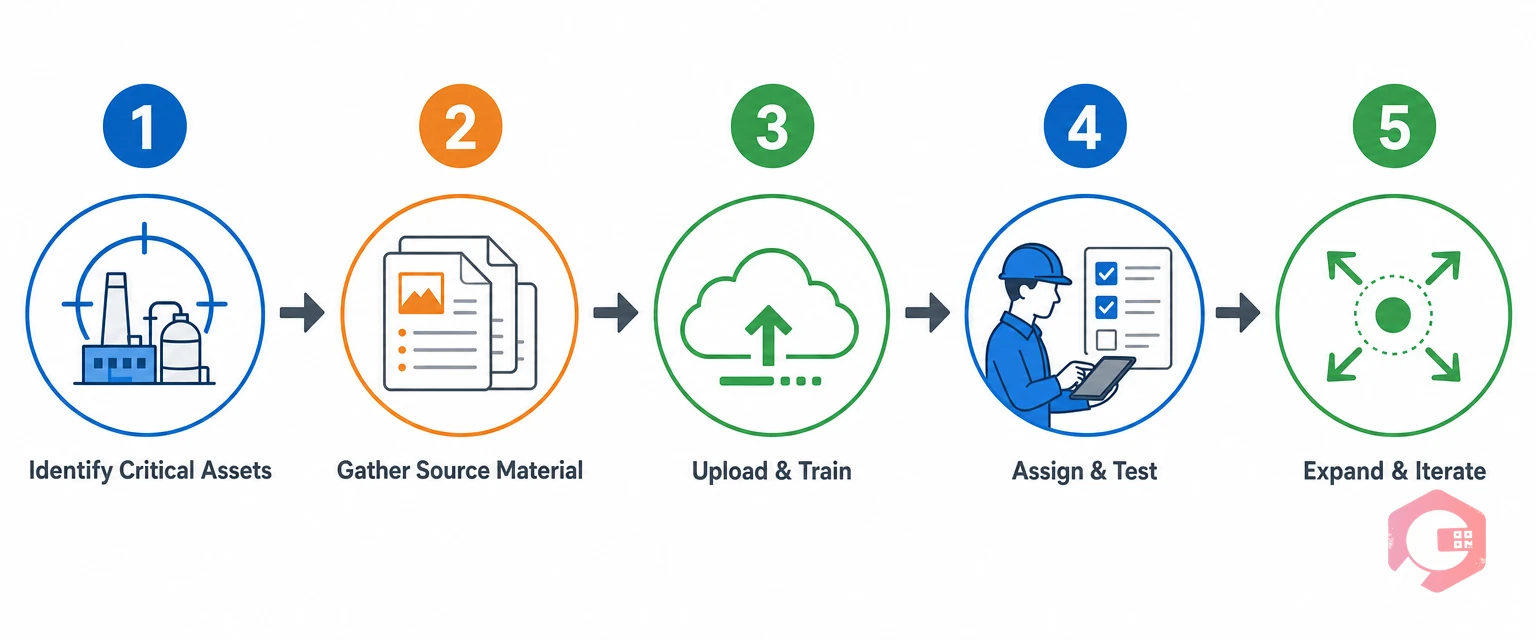
Getting started does not require a large IT project or a long implementation. Most teams have their first assets trained and running within a week.
The maintenance checklists inside Cryotos also help capture procedural steps at the asset level, giving the AI additional structure to reference when technicians ask procedural questions during live troubleshooting.
AI addresses the skilled labor shortage by capturing the expert knowledge that experienced technicians carry — fault diagnosis patterns, asset-specific behaviour, historical repair data — and making it instantly accessible to every technician on their mobile device. Rather than waiting years for experience to accumulate, junior technicians get contextualised guidance at the machine, closing the competency gap without adding headcount.
An AI-powered knowledge base in CMMS is a per-asset repository of maintenance knowledge — OEM documentation, historical repair records, technician notes, and fault code libraries — that an AI system has indexed and made queryable in natural language. Technicians ask questions during troubleshooting and receive precise, asset-specific answers drawn from the knowledge base, not generic web results or out-of-context manufacturer guidance.
Most teams train their first assets within a week. The process involves gathering OEM manuals and 12 months of work order history, running a 30-minute knowledge capture session with a senior technician, uploading materials to the asset profile in Cryotos, and running a validation test with a junior technician. The more source material you provide upfront, the more precise the AI's answers become from day one.
Cryotos's mobile app supports offline mode for core work order functions. For AI-assisted troubleshooting queries, a connection is needed to reach the knowledge base. Teams in areas with intermittent connectivity can pre-load asset documentation for offline reference and sync completed work orders automatically when connectivity returns.
Yes. The Cryotos AI knowledge base is asset-specific, meaning each machine has its own trained knowledge store. This works equally well across multiple asset types and multiple sites — each asset builds its knowledge base independently, and site-specific notes and operating conditions are captured at the asset level so the guidance stays relevant to that specific machine's environment.
The skilled labor shortage is not going away. But with Cryotos AI, the knowledge your best technicians carry does not have to leave with them. You can capture it systematically, organise it by asset, and make it instantly available to every technician who works on that machine — from their very first shift. Schedule a free Cryotos demo to see AI-assisted maintenance knowledge transfer working on your assets.

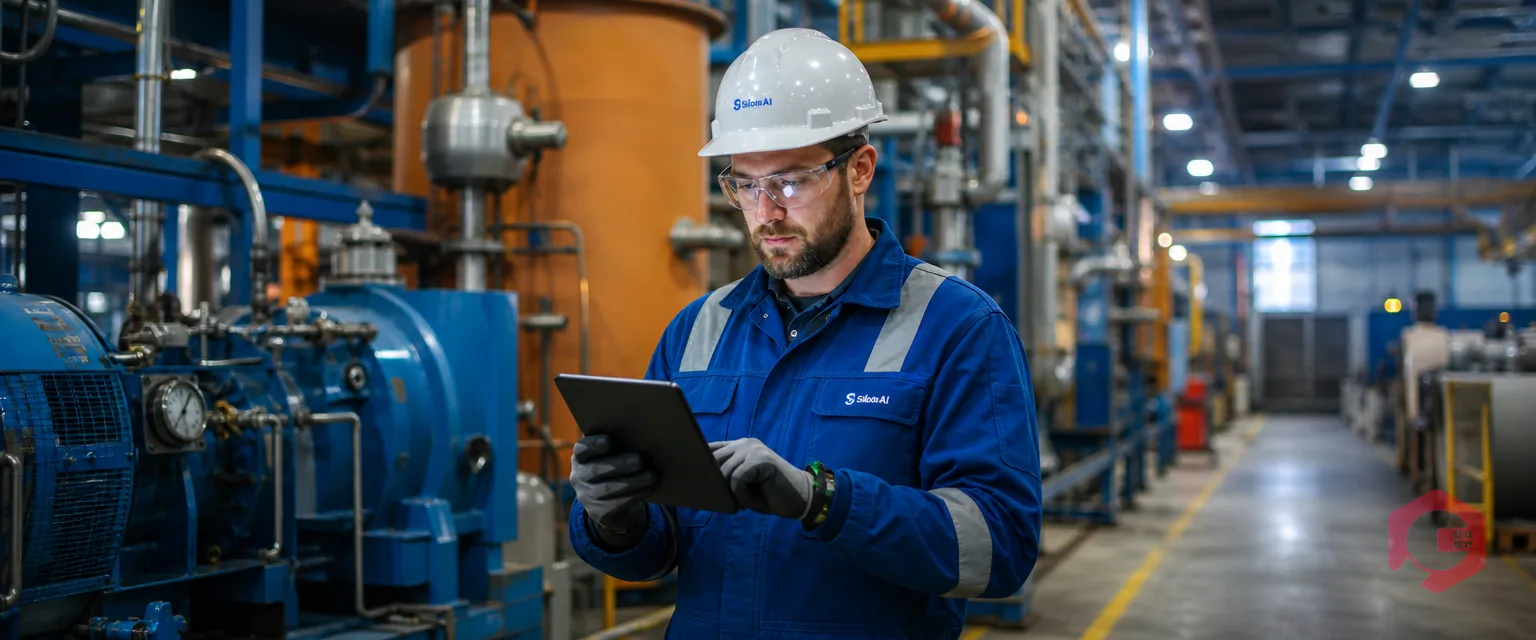
Cryotos AI predicts failures, automates work orders, and simplifies maintenance—before problems slow you down.



